 When you click on links to various merchants on this site and make a purchase, this can result in this site earning a commission. Affiliate programs and affiliations include, but are not limited to, the eBay Partner Network. When you click on links to various merchants on this site and make a purchase, this can result in this site earning a commission. Affiliate programs and affiliations include, but are not limited to, the eBay Partner Network.
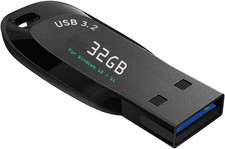
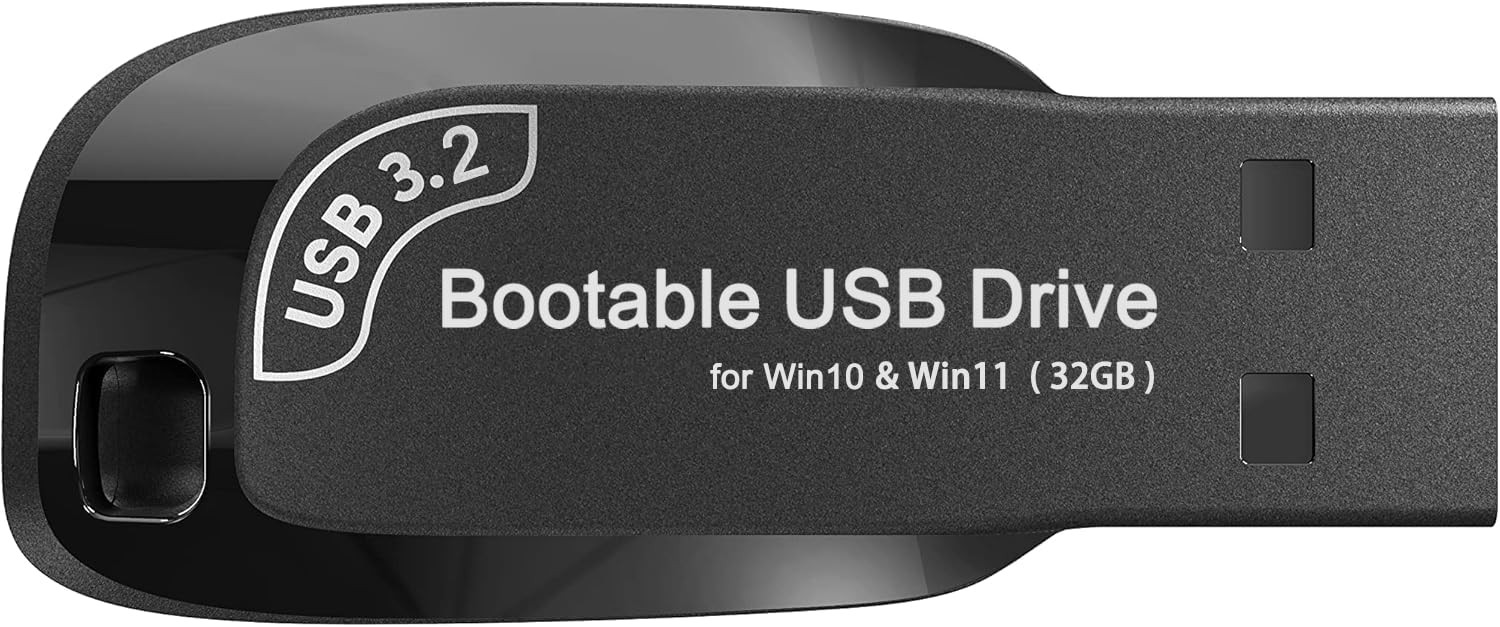
32GB - Bootable Windows 10&11, USB Driver 3.2Gen for Reinstall Windows, No TPM - ✅ If you are a beginner, please refer to Image-7 for a video tutorial on booting, UEFI and Legacy
- ✅Bootable USB 3.2 designed for installing Windows 11/10, ( 64bit Pro/Home/Education ) , Latest Version, key not include, No TPM Required
- ✅ Built-in utilities: Network Drives (WiFi & Lan), Password Reset, Hard Drive Partitioning, Backup & Recovery, Hardware testing, and more.
- ✅To fix boot issue/blue screen, use this USB Drive to Reinstall windows , cannot be used for the "Automatic Repair"
- ✅ You can backup important data in this USB system before installing Windows, helping keep files safe.
- ✅For Reset windows Password: Disable BitLocker before resetting the Windows password.
- ✅ If you run into any tech issues, just let me know. Sometimes it could be a hardware problem, and I’m happy to help figure it out and fix it.
Included:
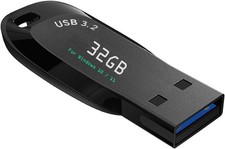
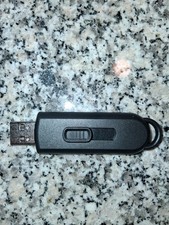
32GB Bootable USB drive 3.2 , Supported UEFI and Legacy mode
Video instructions for Installing Windows
Built-in Utilities: Password Recovery、Network Drives ( WiFi & Lan )、Data Recovery、Hard Drive Partitioning、Hardware Testing...etc Q: What kind of people is this USB Drive suitable for?
-You're a Beginner and need Video tutorials and technical
-The computer is running slowly
-You're used to reinstalling windows every once in a while
-the computer crashes and won't boot
-The computer has virus and needs to be cleaned and reinstalled windows
Boot Menu instruction(refer to user manual): 1. Plug-in USB Drive
2. Power on and Press boot menu key repeatedly (Boot Menu Key below)
3. boot menu will appear (Ensure "USB boot" is enable in BIOS)
4. choose usb drive from boot menu, “UEFI USB" is preferred selection
Shipping - We offer FREE shipping on all orders!
- We ship within Three business days of payment, usually sooner.
- We use a selection of shipping services such as UPS, FedEx, USPS etc.
- We only ship to the lower 48 states, no APO/FPO addresses or PO Boxes allowed.
- Local pickups and combined shipping options are not provided at this time.
Return - You can return a product for up to 30 days from the date you purchased it.
- Any product you return must be in the same condition you received it and in the original packaging. Please keep the receipt.
Payment We accept payment by any of the following methods:
PayPal
Please pay as soon as possible after winning an sale, as that will allow us to post your item to you sooner! response Customer satisfaction is very important to us.
If you have any problem with your order, please contact us and we will do our best to make you satisfied. Contact Us If you have any queries, please contact us via . We usually respond within 24 hours on weekdays. Please visit our store to check out other items for sale! Thank you for shopping at our store.  |
|