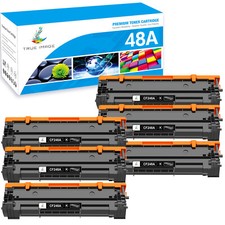
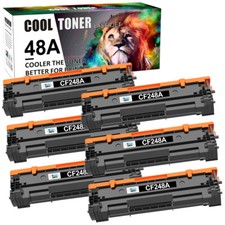
For use with: LaserJet Pro M15a LaserJet Pro M15w LaserJet Pro M16a LaserJet Pro M16w LaserJet Pro MFP M28a LaserJet Pro MFP M28w LaserJet Pro MFP M29a LaserJet Pro MFP M29wFeatures:Type: Premium Compatible Toner Cartridge (Not OEM)It is certified with ISO 9001 and ISO 14001Condition: Brand NewWarranty: 12 month Shelf Life : 1 yearPart Number: HPCF248A/48APrint Technology: LaserColor: BlackQuantity: 6PK CF248A toner cartridgePage Yield: 1,000 Pages at 5% Coverage (4A Paper)(Actual yield varies considerably based on content of printed pages and other factors.)Provide same performance and reliability as genuine HP Cartridge.Meeting standards of ISO 9001&14001 with 100% new components.High-quality printing with every document. 6PK CF248A 48A Toner Cartridge Compatible For HP LaserJet Pro M15a M16w MFP M28a Features:
Type: Premium Compatible Toner Cartridge (Not OEM)
It is certified with ISO 9001 and ISO 14001
Condition: Brand New
Warranty: 12 month Shelf Life : 1 year
Part Number: HPCF248A/48A
Print Technology: Laser
Color: Black
Quantity: 6PK CF248A toner cartridge
Page Yield: 1,000 Pages at 5% Coverage (4A Paper)(Actual yield varies considerably based on content of printed pages and other factors.) Compatible with HP
LaserJet Pro M15a M15w M16a M16w
LaserJet Pro MFP M28a M28w M29a M29w
Provide same performance and reliability as genuine HP Cartridge.
Meeting standards of ISO 9001&14001 with 100% new components.
High-quality printing with every document.
Easy to install or replace design.
Full 1 year warranty against manufacturer defects and print quality.Installation Instruction:
Step 1:Unpack the new toner cartridge.
Step 2:Gently shake the toner cartridge from side to side to distribute the toner.
Step 3:Pull out the sealing tape and remove the orange protect cover, then install the toner cartridge and drum unit assembly into the printer.