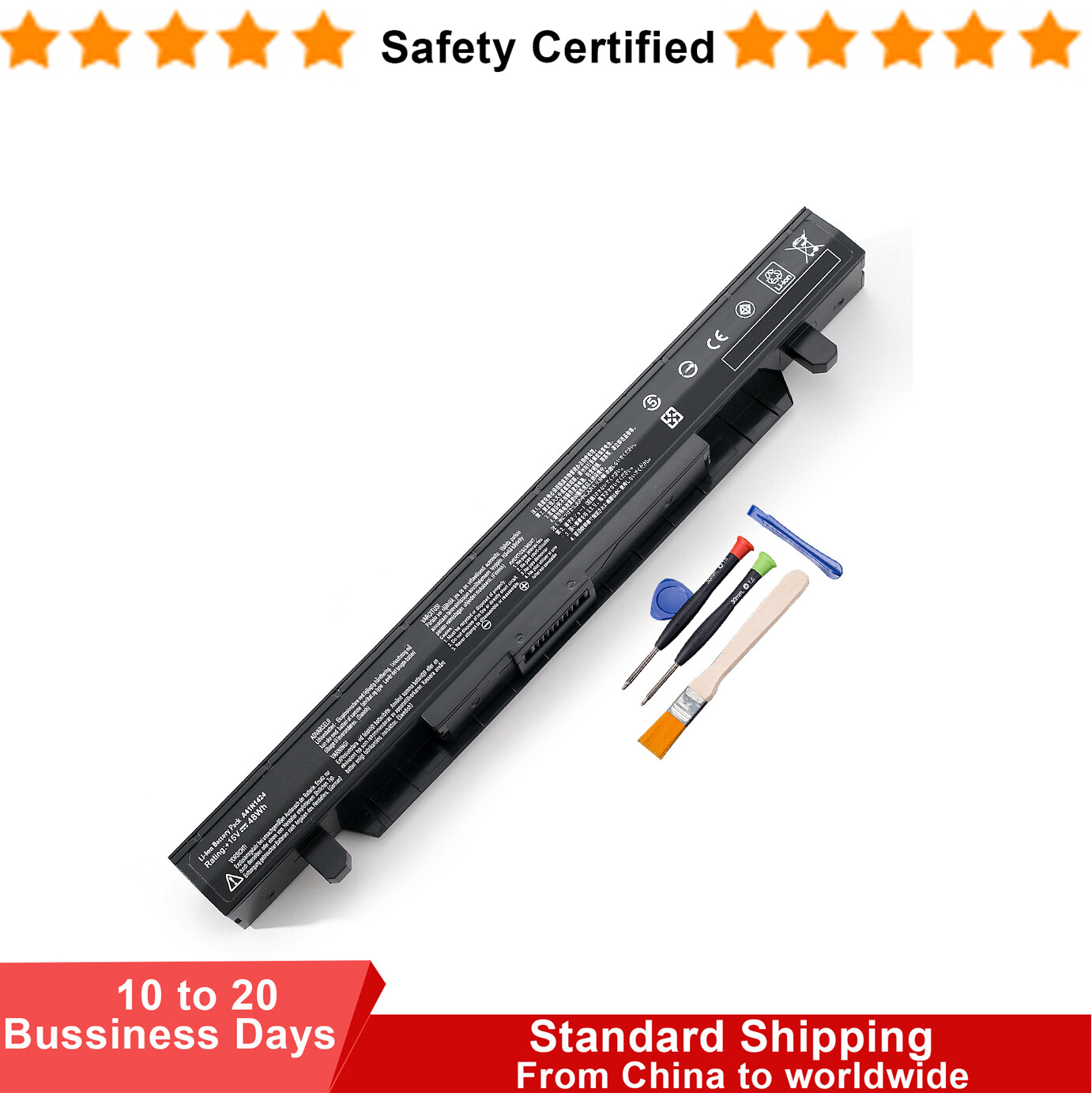
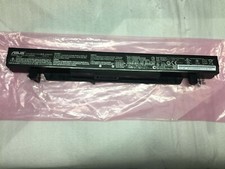
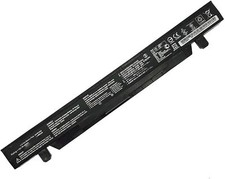
1. Choosing to purchase a battery not only depends on the laptop model, but also on your battery model.
It's best to compare your original battery with ours.
2.Before placing an order, please check your address. Be sure to fill in the correct and detailed address and phone number
3.Will usually ship within 48 hours of receiving cleared payment.The shipping time is about 13-25 business days.
(If you urgently use it, we do not recommend purchasing it)
4.If something goes wrong, please email me.Our customer service will reply to you within 48 hours
(there is a time difference between us, weekends are not business days)
5.For Canadian customers, please provide the correct name.
For goods shipped to Canada, the correct format for the recipient's name should include a first name and a last name, separated by a space
Incorrect names can affect customs clearance.
Specifications:Battery type: Li-ionVoltage: 15VCapacity: 48WhCell: 4-Cell
Compatible Part Number:
- A41N1424 A4INI424
- 0B110-00350000
- 0B110-00350300
Compatible Models: (Find your model:"Ctrl"+"F" )
- For ASUS ZX50 Series
- ZX50J ZX50JX ZX50JX4200 ZX50JX4200-154ASC52X10 ZX50JX4720
- ZX50V ZX50VW ZX50VW6300 ZX50VW6700
- ForASUS GL552 Series
- GL552V GL552VW GL552VW-DH71 GL552VW-DH74 GL552VX GL552VXM GL552VL
- GL552J GL552JX GL552JW
- ForASUS FX-PRO Series :FX-PRO 6300 FX-PRO 6700 FX71PRO FX71PRO6700 FX71 PRO 6700
- ForASUS FX-PLUS Series:FX-PLUS4200 FX-PLUS4720 FX-PLUS 4200 FX-PLUS 4720
-ForASUS FZ50 Series:FZ50V FZ50VL FZ50VW FZ50VW-NS51 FZ50VX
Safety:
UL/CE-/FCC-/RoHS certified
Overload protection
Over-current protection
Over-voltage protection
High voltage protection
Short circuit protection
Over-temperature protection
How to check your laptop model?
Method 1: Use System Information to find your laptop model
1.Press Windows + R
2. Type "msinfo32", then click OK
3.Find "System Model" in the pop-up window
Method 2: Remove Battery from Laptop to find your laptop battery part number
What do we need to pay attention to using batteries for the first time?
1.Charge the battery for more than 8 hours before first use
2.You need to turn off your laptop and disconnect the power when you install a new battery
2.Do Discharge the new battery use to 5%/7%(not to 0%) and then charge to 95%, and cycle 3-4 times
How should I do if the battery is not recognised?
1. It is recommended to update the BIOS settings
2. Reinstall, please make sure that the connector of the battery has been inserted into the system board correctly and tightly
IF "the item doesn't work"?
Firstly, please send us an email to let us know
We can send you a replacement or refund
IF"Item is not received"
Firstly, please send us an email to let us know
Very few packages cannot be delivered on time due to bad weather conditions and uncontrollable factors.
(If your package delivery fails, we will refund or send you a replacement)
Tips
The battery is being used for the first time and the battery level display is inaccurate
Usually, after a few cycles of use, the battery level display will return to normal.