AppleII, II+ COLD reset F8 ROM.(Please read all the way to the end.)
Wouldyou like a COLD start reset on your Apple II+?
Withthis simple plugin F8 ROM, you can COLDreset your Apple II+. (It is like apower on boot).
Watchthe Video and you will see the difference between a soft/warm and cold reset inaction. (I am using a floppy emulator toboot DOS as you can see in the video, send me a message if you are interestedin this Floppy emulator).
If you use yourApple II regularly, you already know how often a proper cold restart is needed:
• After a programcrashes or locks up or when testing hardware or expansion cards.
• When switching betweensoftware and boot devices or during setup, troubleshooting, or retrodevelopment sessions.
Thisalso saves your precious Power supply and Power switch from excessive stressand use.
JustGoogle this: “Apple II power supply rifacapacitor failure symptoms”
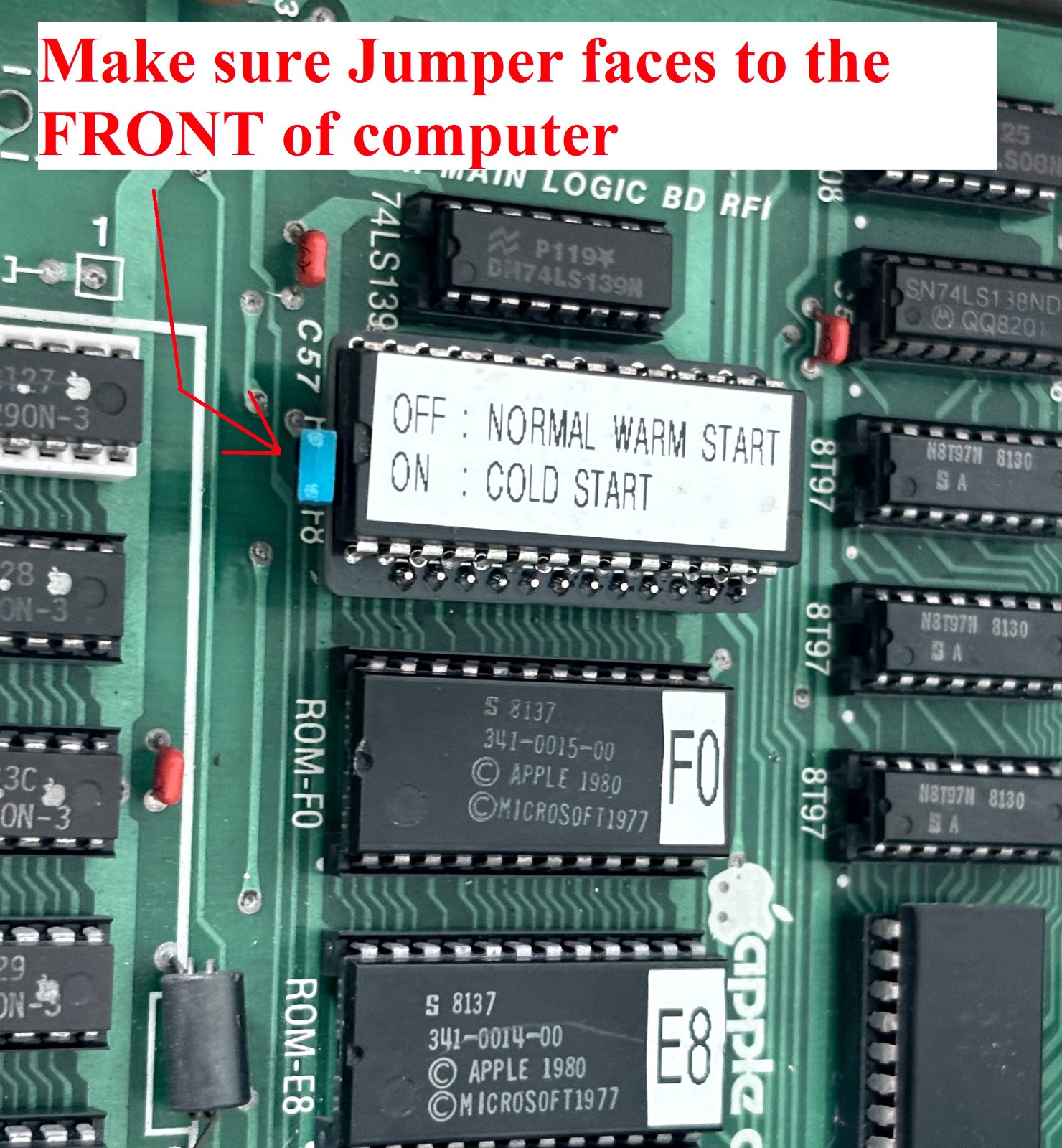
Withthis F8 ROM replacement, the Reset key on your keyboard, will either do a coldor a warm start depending ona jumper setting.
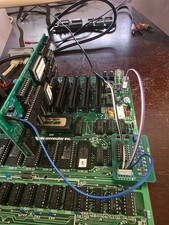
Alsoincluded is a switch and a 30cm long cable with a connector so you can have theswitch easy accessible outside of the Apple II computer case.
Withthis switch you can decide if you want a warm or a cold start when you pressthe Reset key.
Thereare other RESET boards out there on , but they all use up a preciousslot. (I also have a board like this for sale).
This board here does NOT use aslot.
Soif you always wanted a hard reset then replace the F8 ROM withthis one. If you want your reset key toperform both types of reset, then connect the switch and you can decide whatyou want with the flick or press of a switch. BY DEFAULT YOU GET A MOMENTARY SWITCH, IF YOU WOULD LIKE A LOCKING SWITCH (push once ON, push again OFF), then send me a message before you buy.
Thisdoes not change the behavior of the hidden switch under your keyboard thatcontrols whether a simple reset key press issues a reset command or if you haveto press CNTRL-Reset. (This was anoption added to later computers to prevent accidental Reset key presses).
IMPORTANTNOTE:
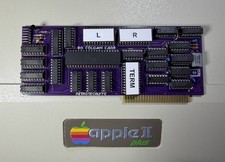
Ifyou have a language card (16K DRAMexpansion card) with an F8 ROM on it, then this product will not work. (Most cards don't have this ROM on them)
Seethe photos to identify if this is the card you have.
Alsobefore you buy this product, you have to feel comfortable removing a chip fromyour motherboard and installing this replacement.
(ifyou have never done this, watch a you-tube movie on how to gently pry loose a chip from its socket byalternatingly using leverage on both ends of the IC using a smallscrewdriver, have patience, Google: “Howto remove a socketed game ROM IC…”)
Wheninstalling the replacement IC or II+, first make sure the pins are all alignedwith the socket, use magnifying glasses and a flashlight to make sure beforeyou apply pressure to seat the IC in its socket.
ThisF8 2 Kbytes ROM is identical to the Original Apple II+ F8 ROM except for one Bytethat has been changed.
Theplugin replacement ROM is actually two 2K ROMs, that are selectable with theJumper.
Makesure to keep your original F8 Rom in a safe place, (Like taping it to the top of the powersupply or to the bottom of the inside case).
This F8 ROM product does NOT work for very early Apple II’s that useda 341-0004 F8 ROM version. All laterApple II and Apple II+ computers used a 341-0020 F8 ROM version, compatible with this hardreset F8 ROM. See included photo, makesure your ROM version matches the 341-0020 version in the photo.