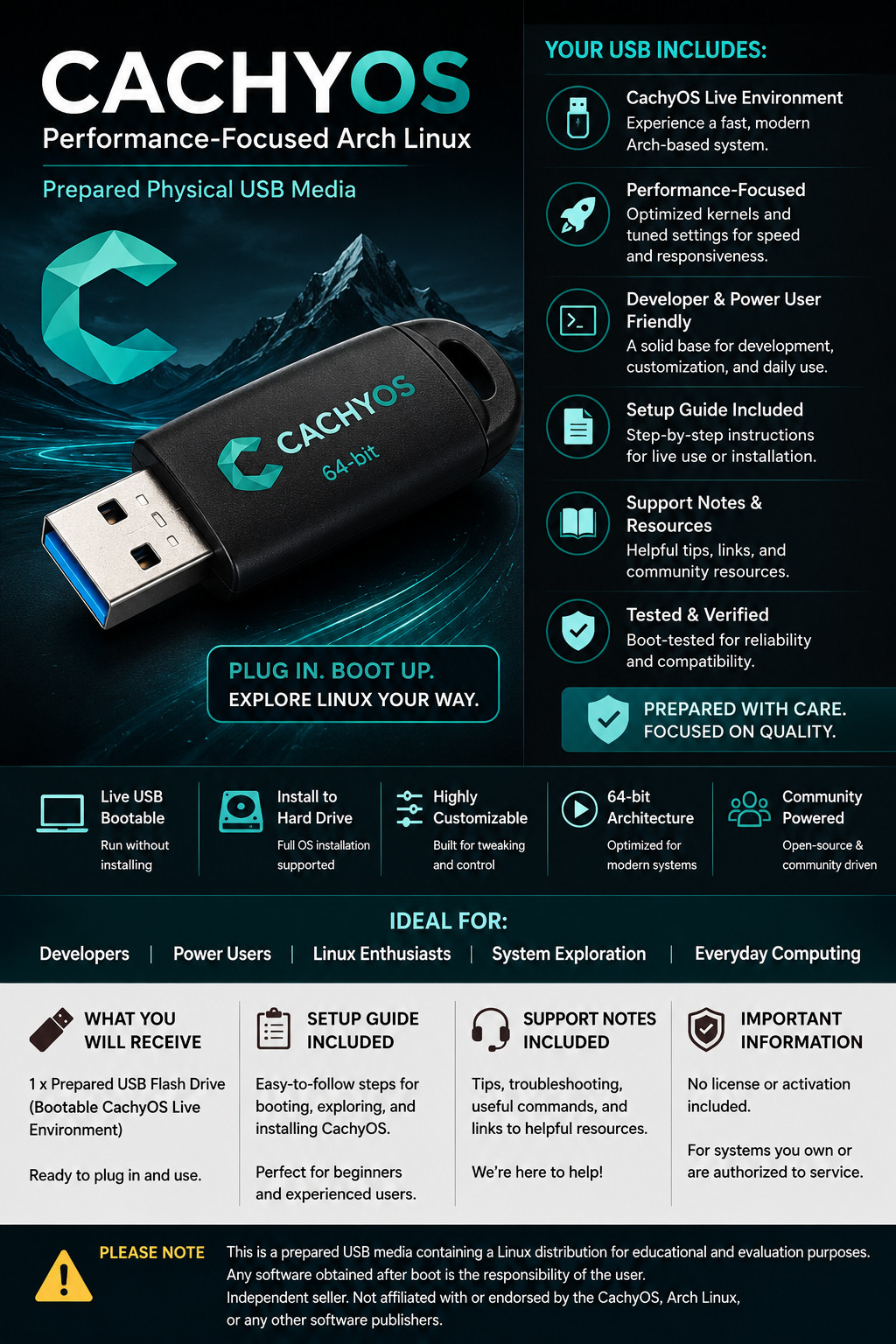
CachyOS Linux Bootable USB - Prepared 32GB Physical Media
A clean, prepared TRS Tools USB made for exploring CachyOS Linux on compatible PCs that support USB boot.
What You Will Receive
- 1 prepared 32GB USB flash drive with CachyOS Linux boot media
- Printed or digital setup guide notes
- Support notes with basic boot tips and compatibility reminders
- Compatibility reference for common USB boot settings
- TRS Tools preparation, organization, and boot-focused quality check
Important: This listing is for prepared physical USB media, setup notes, and convenience. No license, activation key, paid subscription, account access, or proprietary software ownership is included. Key Features Prepared Physical USB Media
Ready-to-use USB media prepared by TRS Tools. CachyOS Linux Resource
Useful for exploring a performance-focused Arch-based Linux environment. Setup Guide Included
Basic steps for selecting a USB boot device and starting Linux from USB. Support Notes Included
Helpful notes for common boot menu, UEFI, and compatibility situations. Local-Use Focused
Designed for hands-on Linux evaluation, learning, and installation preparation. For Authorized Systems
Use only on computers you own or are authorized to service. Compatibility Notes
This USB is intended for compatible 64-bit x86_64 computers that support booting from USB media. System compatibility depends on your hardware, firmware settings, graphics hardware, storage configuration, and installation choices.
CachyOS installation may require a stable internet connection, sufficient system memory, available storage space, and correct UEFI or legacy boot configuration. Secure Boot, CSM, and other firmware settings may need review depending on the target system.
How to Boot Linux from USB?
- Power off the computer.
- Insert the prepared TRS Tools USB drive into a USB port.
- Power on the computer and open the boot menu. Common keys include F12, F11, F10, Esc, or Del depending on the manufacturer.
- Select the USB device from the boot menu.
- Allow the CachyOS live environment to load.
- Explore the live environment or begin installation only after confirming your files are backed up.
- Follow the included setup notes and on-screen instructions for your system.
Data Safety Reminder: Installing any operating system can erase data if the wrong drive or partition is selected. Always back up important files before making changes to a computer. Important Compliance Disclaimer
This item is sold as prepared physical USB media with setup notes and support information. Any software resources are community-licensed, publicly available, or redistributable where applicable. No license or activation included.
TRS Tools is an independent seller and is not affiliated with, sponsored by, certified by, or endorsed by CachyOS, Arch Linux, or any referenced software publisher. Trademarks belong to their respective owners and are used only for descriptive compatibility and identification purposes.
Experience You Can Count On
Prepared by TRS Tools with 30 years of Information Technology experience. The value of this item is the physical USB media, preparation, organization, setup guidance, compatibility notes, and seller support.
FAQ 1. Is this an official CachyOS product?
No. This is prepared physical USB media from TRS Tools. TRS Tools is an independent seller and is not affiliated with or endorsed by CachyOS.
2. Does this include a software license or activation key?
No. No license, activation key, subscription, account, or proprietary software ownership is included.
3. Can I try CachyOS from the USB before installing?
On compatible systems, the USB can be used to boot into a live Linux environment so you can explore before choosing whether to install.
4. Will this work on every computer?
No compatibility is guaranteed. Your computer must support USB boot and meet the requirements for CachyOS and your chosen desktop environment.
5. Do I need internet access?
A stable internet connection may be required for installation, updates, packages, drivers, and online resources depending on your setup.
6. Will installing Linux erase my files?
It can if the wrong drive or partition is selected. Always back up important data before installing or changing operating systems.
7. What support is included?
TRS Tools provides basic support notes for booting from USB, common setup steps, and general compatibility guidance for the prepared media.
TRS Tools Support-Focused Closing
Thank you for choosing TRS Tools. This prepared USB is made for convenience, learning, testing, and Linux exploration on compatible systems. Please review the included notes before installing, back up your files, and contact us with basic media or boot questions.