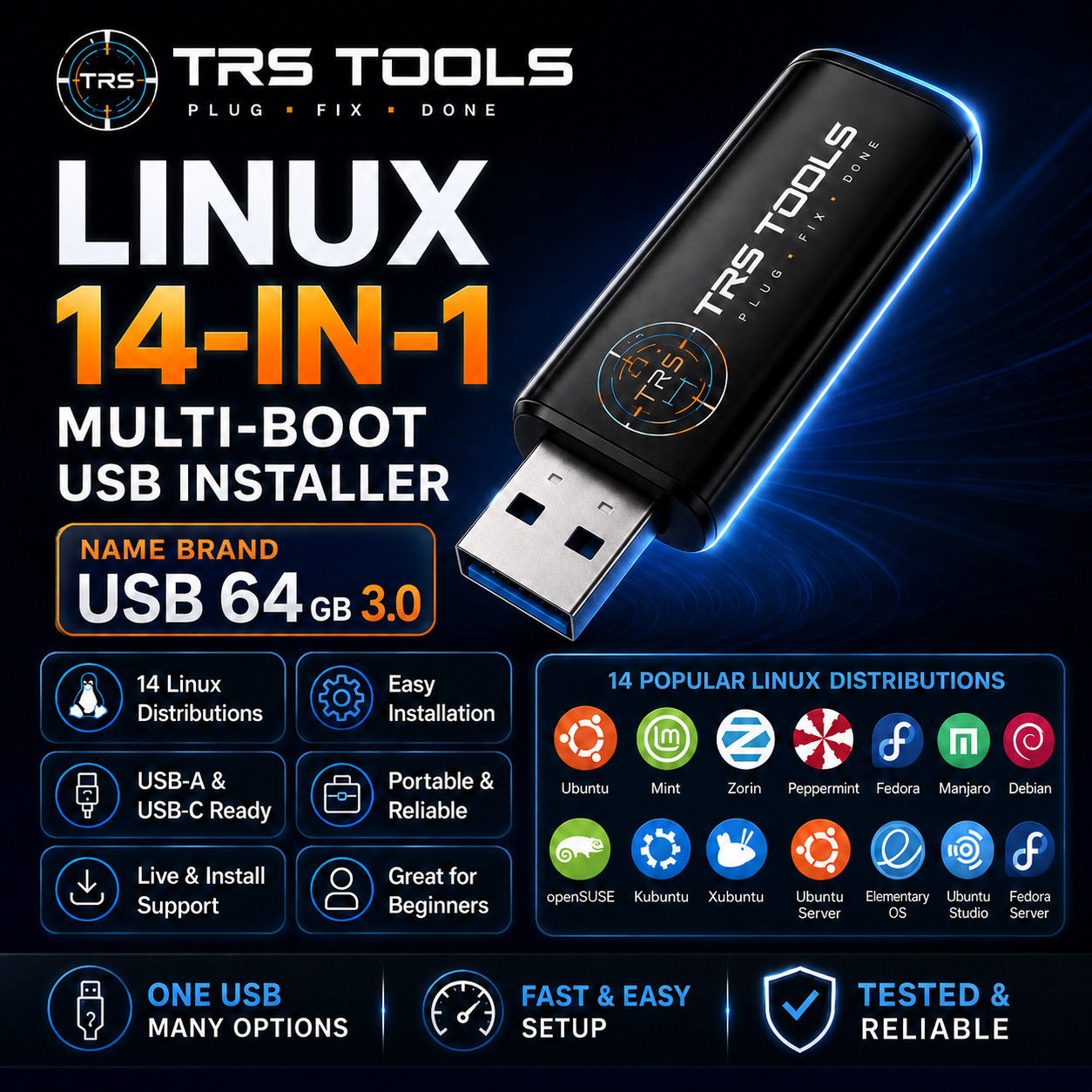
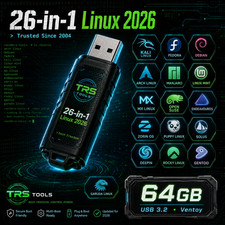
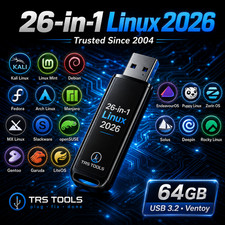
14-in-1 Linux Installer USB
Overview
Key Features 14 Linux Options
Dual Connector Design
For Many Skill Levels
Older PC Options
Modern Desktop Choices
Prepared Media
Software Capabilities Compare Desktop Experiences
Practice Linux Installation
Support Older Hardware
Build Skills
Distribution Options Included
For New Users
For Stable Learning & Labs
For Modern Workstations
For Lightweight Systems
For Advanced Customization
For Authorized Security Labs
Best For
Compatibility Computer Type For PCs and laptops that support booting from USB Common Systems Compatible with many Windows 10 and Windows 11 era computers USB Port Requires available USB-A or USB-C port Boot Settings Computer may require boot menu, BIOS, or UEFI setting changes Linux Requirements Each Linux distribution has its own installer, requirements, and hardware support Buyer Responsibility Buyer should confirm USB boot capability before purchase What You Will Receive
Prepared dual-connector USB flash drive - Multi-boot Linux setup with 14 distribution options
- Basic boot instructions
- Any included seller-prepared notes or support information
Experience & Quality Assurance
FAQ Q1: Is this a USB drive or a download?
Q2: Are the Linux systems already installed on my computer?
Q3: Can I use this on a newer laptop with USB-C?
Q4: Is internet required to install?
Q5: Are all 14 Linux options guaranteed to work on my computer?
Q6: Does this include a support warranty for my computer?
Q7: Are the included names used as official branding?
Important Notes / Disclaimer
Retail box is not included unless stated. - Product packaging shown in images may be for demonstration only.
- Actual USB brand, style, color, or design may vary.
- This listing is for prepared physical media and setup convenience.
- No license key, activation, paid subscription, or commercial license is included unless stated.
- Included Linux options may vary by version and availability.
- No affiliation with any third-party trademark owner unless specifically authorized.
- Buyer is responsible for confirming compatibility before purchase.
TRS TOOLS