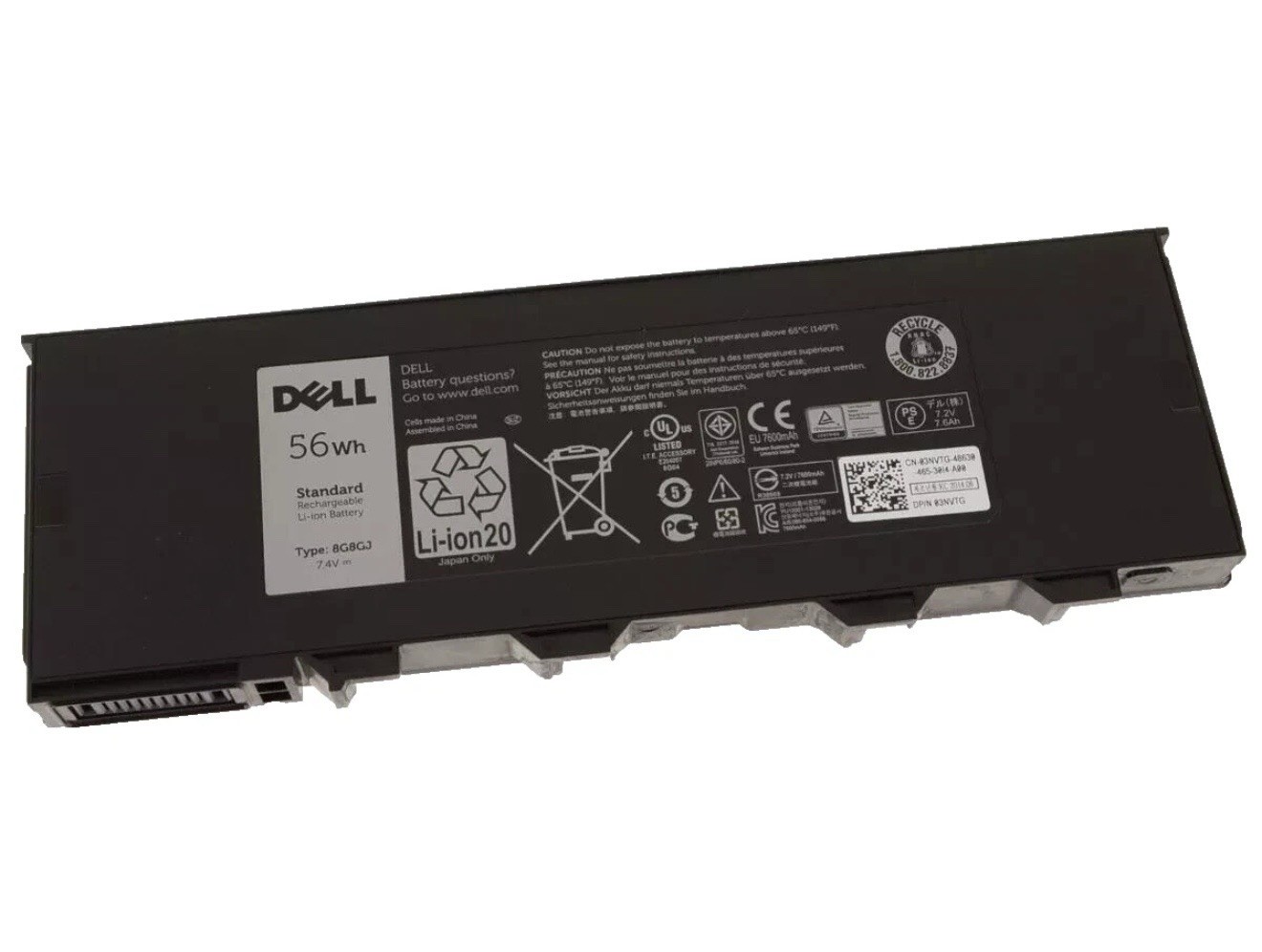
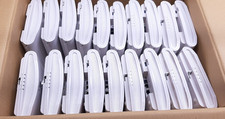
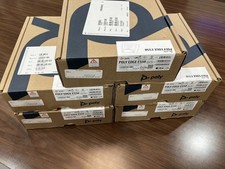
Batteries are in working condition
Lot of 5
Battery Specifications & Part Numbers
• Capacity / Voltage: 56Wh / 7.4V (4-Cell Li-Ion)
• Common OEM Part Numbers: 8G8GJ, 3NVTG, 1V6GN, NJTCH, VD0FX, N4D39, 451-BBJJ
• Compatibility Note: The standard 56Wh battery is typically not compatible with 7204 models equipped with optional WWAN wireless broadband.
Replacement Options
• OEM / Original Batteries: Available through specialty suppliers such as Astringo Rugged or parts vendors like Parts-People.
• Third-Party / Aftermarket Batteries: Compatible options are offered by vendors like Newegg and Batteries America.
Replacement Procedure
Replacing the battery on the Latitude 7204 is tool-free and straightforward:
1. Turn off the laptop and disconnect external power.
2. Release the physical latch located on the underside of the device holding the battery.
3. Pull the old battery straight out of its slot and slide the new unit into place until locked. (See the iFixit Latitude 7204 Battery Replacement Guide for visual reference).
Are you looking for an OEM original or a third-party replacement, and does your 7204 have WWAN wireless broadband installed?