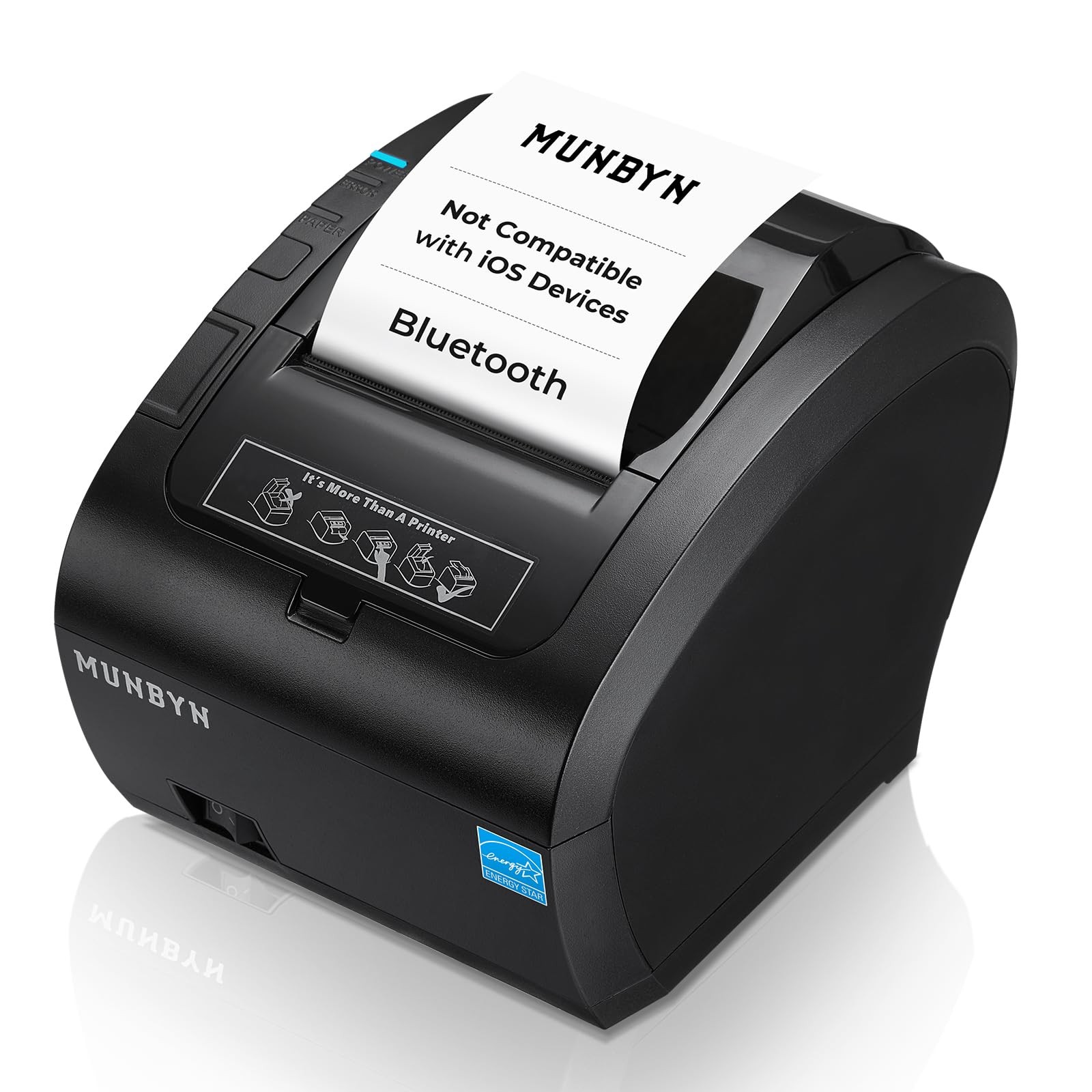
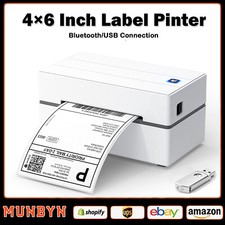
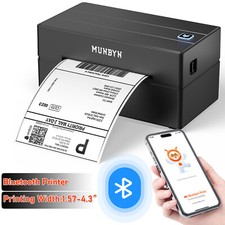
MUNBYN bluetooth printer is built for 3.15in receipt printing in retail stores and restaurant counters. It delivers direct thermal printing at 300mm/s with 203 DPI clarity, prints about 48 receipts per min, includes an auto cutter, and holds up to 300 sheets for continuous receipt and kitchen ticket printing in narrow counters. This receipt printer offers USB printer, printer usb, LAN, RS232, and Bluetooth 5.0 connections, and is compatible with Windows PC, MacBook, Linux, Chromebook, Android, cash drawer, and compatible with Shopify POS App. Windows supports USB, LAN, and Bluetooth, while MacBook, Linux, and Chromebook support USB and LAN, and tablet or phone setups support LAN and Bluetooth. It does not support iOS. For merchants who want faster checkout flow and fewer cable limits during lunch rush, dinner service, or pop-up events, this bluetooth printer supports receipt printer bluetooth searches, works with POS systems for receipts and tickets, and fits daily use across receipt printers and thermal printers.
NO Compatible with iOS Devices: NO Compatible with iOS, NO Compatible with iPad and iPhone. NO Compatible with Doordash support, No WIFI !
[Compatible with Android, Windows, Mac, Linux, ChromeOS Systems & Cash Drawer] The high compatibility pos printer, with 3-ports, makes your business more accessible and efficient. Careful, No Doordash. NO Grubhub. NO Vagaro, NO iOS
Ensure your device and operating system are compatible with this printer to avoid any inconvenience. For more on compatibility issues check out the compatibility images
Note: Due to software updates, when connecting to the Shopify POS App via Bluetooth, you need to manually modify the Bluetooth name from "TM-m30-b001" to "TM-m30III" to be compatible with the software. For specific operations, you can view the linked operation video. If the Bluetooth name is TM-m30III then no change is required
[Bluetooth Connection] The P047 POS printer can connect to your Android/Windows computers with Bluetooth, saving your precious space and crossing the cable length limit. It can print preset documents via the "EMlabel" App