|
PDF Creator Editor Software Windows 10 11 USB Fill & Sign Merge Compress Split For Sale
|
 When you click on links to various merchants on this site and make a purchase, this can result in this site earning a commission. Affiliate programs and affiliations include, but are not limited to, the eBay Partner Network. When you click on links to various merchants on this site and make a purchase, this can result in this site earning a commission. Affiliate programs and affiliations include, but are not limited to, the eBay Partner Network.
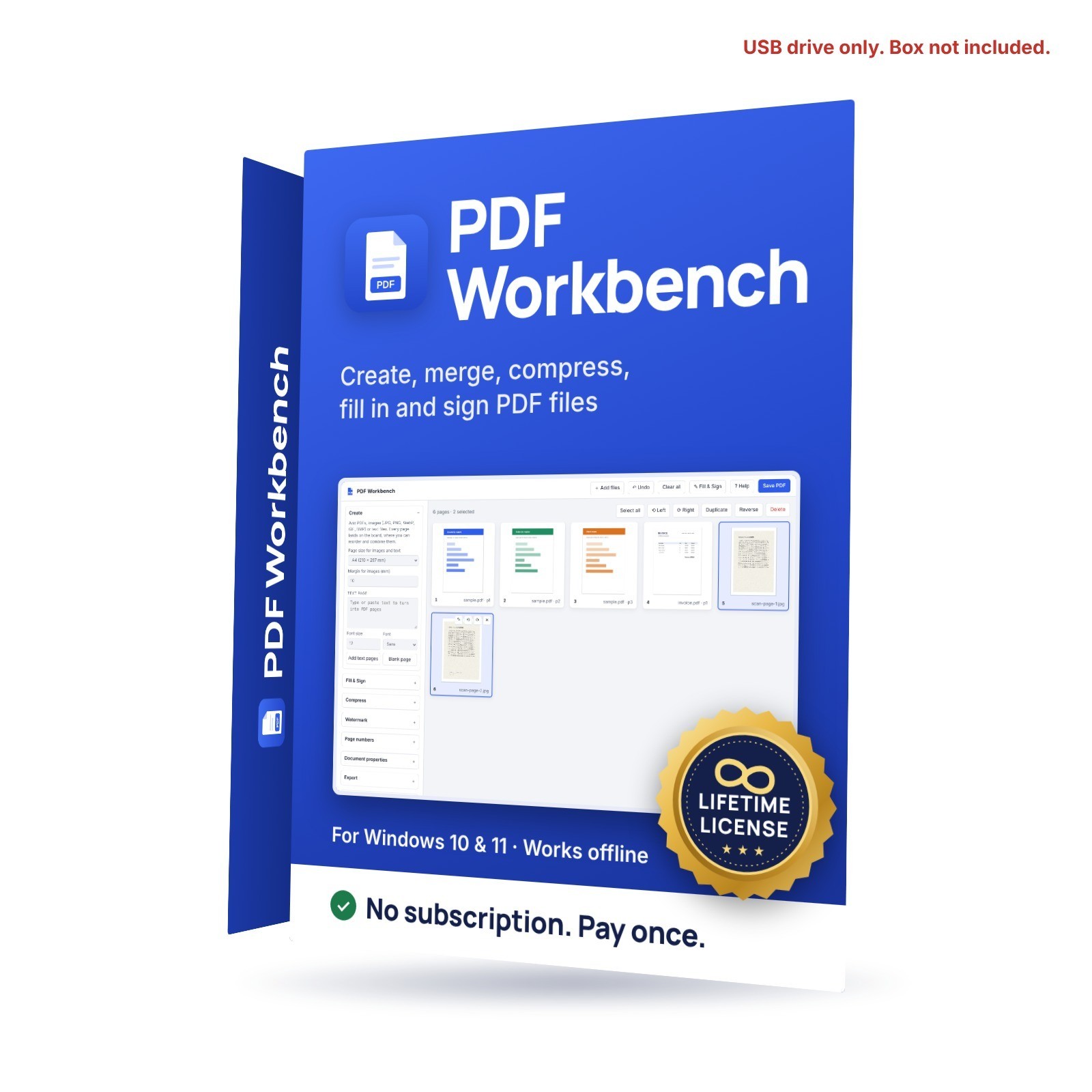
PDF Workbench: create, merge, fill in, sign and compress PDFs on your Windows PC One-time purchase. Lifetime license. No subscription, no account, no internet needed. PDF Workbench runs entirely on your own computer, so your files are never uploaded anywhere. It ships on a USB drive, so there is no download card or link to deal with. ★ You will never be lost - Built-in guided tour that walks you through every step the first time you open it, and again whenever you need it
- Practice file included, so you can try everything before using your own documents
- 8-page illustrated user guide (PDF) on the drive
- Personal help: message me through and I will help you get started
What it does - Fill in and sign PDF forms: type anywhere on the page, add your signature (draw it, type it or use a photo), today's date, checkmarks, or white-out
- Create PDFs from photos, scans, typed text or blank pages
- Merge any number of PDFs and images into one document
- Reorder pages by drag and drop, rotate, delete and duplicate them, with undo
- Compress large scanned files by choosing DPI and image quality, with an optional grayscale setting
- Watermark every page (diagonal, centered or footer)
- Page numbers ("1", "Page 1 of 9" or "- 1 -")
- Split and extract: save selected pages, one PDF per page, or pages as PNG or JPG images
- Set the title, author, subject and keywords
What you receive - A USB flash drive with PDF Workbench, a quick-start README and the illustrated user guide
- No installation needed: plug in the drive, copy the program to your PC if you like, and double-click to start
What it does not do (so you know before buying) - It does not edit the existing text inside a PDF (you can cover it with white-out and type new text on top)
- It does not convert PDF to Word or Excel
- It does not do OCR (making scanned text searchable)
System requirements - Windows 10 or Windows 11, 64-bit
- About 10 MB of free space
License and support You receive a lifetime license to use PDF Workbench on your own computers. The software is licensed, not sold. If you have any trouble getting started, message me through and I will help. Please note: the first time you run the program, Windows may show "Windows protected your PC". Click More info, then Run anyway. This is normal for software from small developers.  |
| | | | | |

