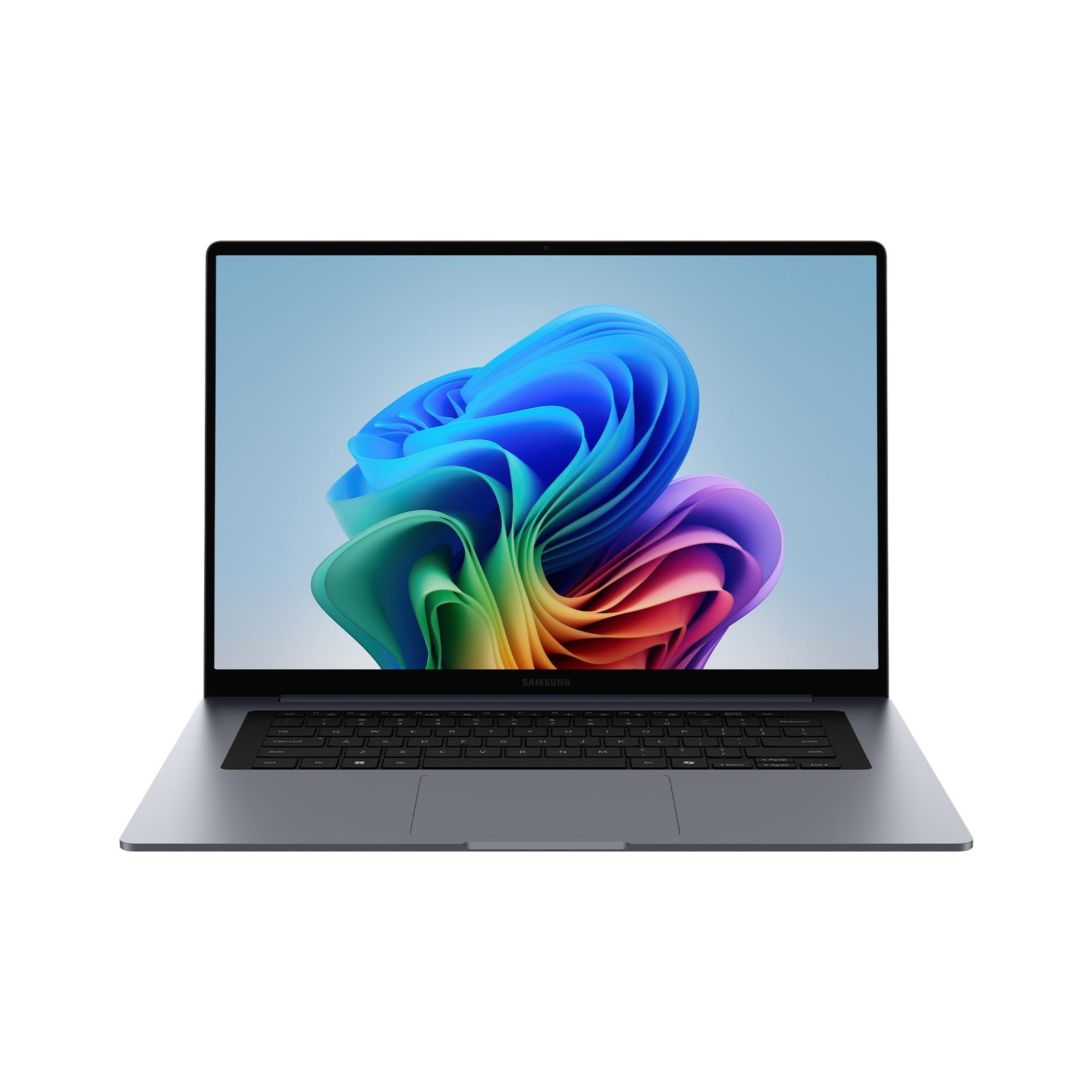
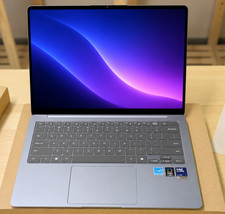
WORK AND SHARE ACROSS YOUR SAMSUNG GALAXY DEVICES IN A SINGLE FLOW: From sharing files between devices with Quick Share,4 to using your smartphone on your PC with Link to Windows,5 Galaxy Connected Experience helps multiply your conditions: Local 1080p movie playback, Windows video players (Media Player, Movies & TV) with full screen, Brightness-150nits, Earphone (default volume), Airplane On (Wi Fi not connected), KBD Backlight Off, discharged to 2%.?Conducted with 65W charger while it has 2% of power remaining, with all the services, features and screen turned off.
?Galaxy AI features provided by Samsung are free. Future releases may include features that are offered on a paid basis. Different terms may apply for AI features provided by third parties.
4Quick Share between Galaxy devices available with the following OS: smartphones and tablets with Android OS version 10.0 (Q) and One UI 2.1 or above, PCs running Windows 10 or later. Wi-Fi and Bluetooth connection is recommended for optimal performance. Quick Share to iOS and Android devices available by sending shared link: individual files shared cannot exceed 10GB (for a total of 10GB per day) and link will expire after two days; sender's device requires a Samsung account, and both sender and receiver devices require internet connection.
5Requires Galaxy smartphone running Android 8.0 (Oreo) or later and a PC running Windows 10 (with the October 2022 update or later). For optimal compatibility and performance, we strongly recommend using Android 10 (Q) or newer and the latest version of Windows 11. Both devices must have Bluetooth, be connected to the same Wi-Fi network, and use the same Microsoft account. Some mobile apps may have security features that prevent the mobile app from being viewed on PC.
6Works with compatible apps. Requires internet connection; results may vary by uniqueness, clarity and framing of circled image and related factors. Accuracy of results is not guaranteed.
7Supports 13 languages across 17 regions.
8Supported apps are Samsung Gallery, Samsung Settings and Quick Search. For syncing of photos on Samsung Gallery, it requires internet connection, Samsung Account and Microsoft OneDrive Account. Search accuracy not guaranteed, check results.
?Each device must be signed in to the same Samsung account and connected to the same Wi-Fi network. Multi Control is supported on Galaxy smartphones and tablets running on One UI 5.1.1 or above, Galaxy Book Series devices released in 2021 or later with Samsung Settings v1.5 (Intel) or Samsung Settings v3.3 (ARM). Feature availability may vary by region.
Store Policies Welcome to the NothingButSavings store! To make your purchase as easy as possible, NothingButSavings requires payment via PayPal at the time of purchase. We have outlined all of our store policies below, however if you have any questions, please do not hesitate to contact us at any time.
Check-Out Now! Click the Pay Now button at the top of this listing to immediately proceed with our checkout and payment process. Please note that the Pay Now button is ONLY available after winning an sale or completing a Buy It Now purchase.
Sales Tax Sales tax is applied for shipments to addresses in applicable States where we are required by law to collect and remit sales tax. Purchases are not tax-exempt merely because we are not required to collect a State's Sales Tax. Your State may require you to pay use tax on your purchase. For more information, please visit your State's Department of Revenue or Sales and Use Tax website.
Shipping For security purposes, NothingButSavings will only ship to the address provided by at the time of the order. If for any reason this address is incorrect, please contact us as soon as possible to see if other arrangements can be made. NothingButSavings accepts no responsibility for incorrect delivery information contained in your account at the time of purchase.
Customer Service If you need to reach us at any time please click here.