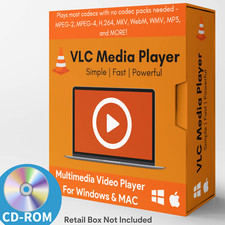
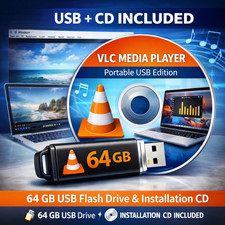
VLC Media Player Prepared CD Media
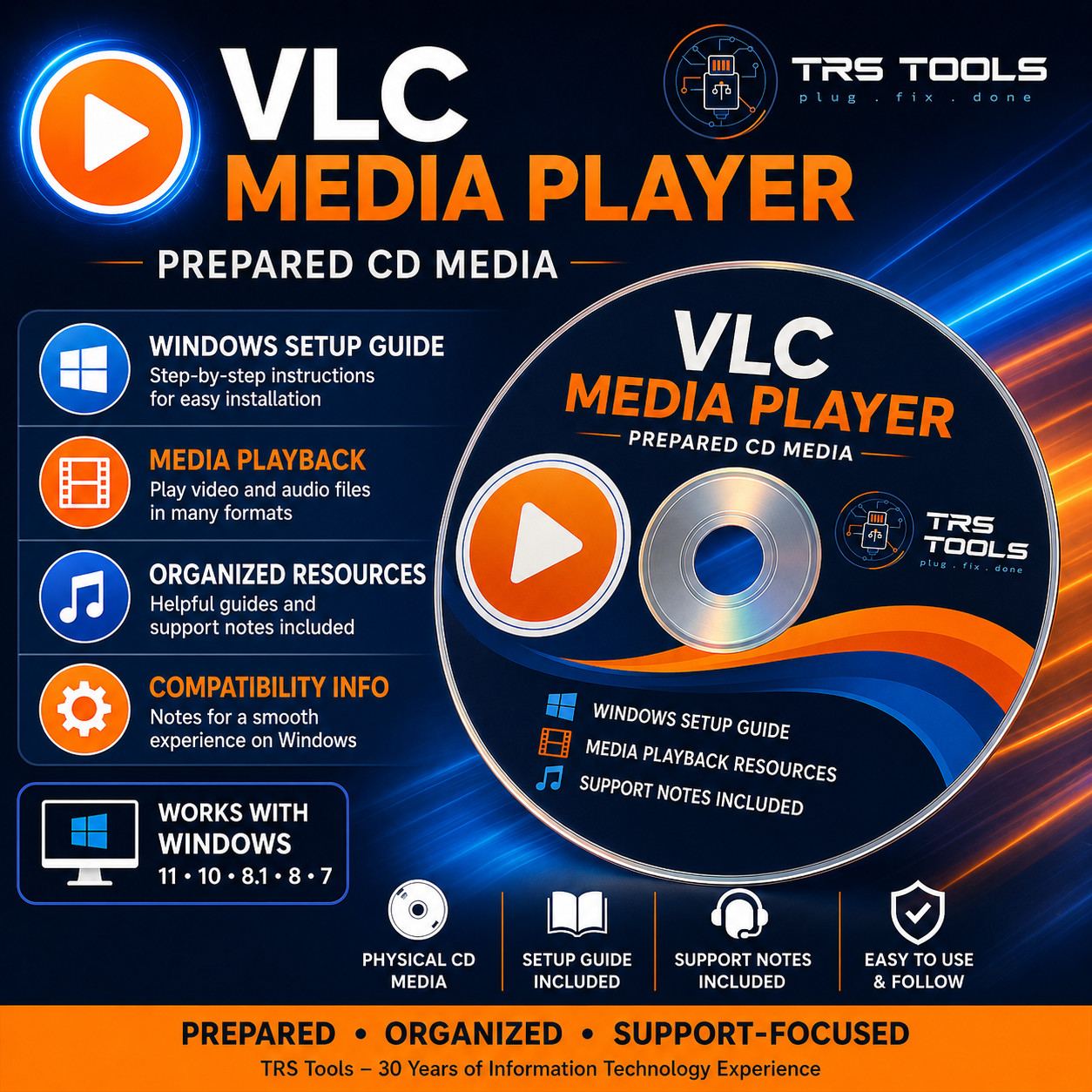
Organized media playback resources, Windows setup guidance, compatibility notes, and TRS Tools support-focused documentation on physical CD media.
Prepared Physical CD Media for Convenience
This TRS Tools prepared CD media is designed for Windows users who want a convenient, organized way to access VLC media player resources, setup notes, compatibility information, and helpful first-use guidance on physical disc media.
The value of this item is the prepared physical CD media, organized file structure, setup guide, support notes, compatibility reference, and TRS Tools support-focused presentation. This item does not sell software ownership, a license key, activation, subscription, account access, paid software, or official manufacturer media.
Prepared Physical CD Media • Windows Setup Guide Included • Support Notes Included • Compatibility Reference Included What You Receive
- 1 prepared TRS Tools physical CD
- Organized VLC media player resource files where applicable
- Windows setup guide for basic installation and first-use reference
- Compatibility notes for supported system use
- Helpful support notes for common setup questions
- Media playback workflow notes for everyday users
- License and source reference information where applicable
Helpful For Common Media Tasks
- Playing common video and audio file formats where supported
- Opening media files from local storage, external drives, and discs where supported
- Using playlists and basic playback controls
- Reviewing subtitle and audio track options where supported
- Learning basic media player settings and preferences
- Keeping a prepared physical CD copy with setup notes
Why Buyers Choose TRS Tools
- Prepared physical CD media for convenient access
- Clean organization for a smoother first-use experience
- Plain-English setup notes written for everyday Windows users
- Helpful compatibility and support notes included
- Support-focused presentation backed by 30 years of Information Technology experience
- Designed for users who prefer prepared physical media and documentation
Compatibility Notes
A compatible Windows computer with a working CD/DVD drive is required to use this physical disc. Compatibility may vary by computer, operating system, disc drive, file type, codec support, software version, and system configuration.
Format support can vary depending on the media file, encoding method, subtitles, audio tracks, and installed system components. No guarantee is made that every video, audio file, disc, stream, subtitle, or codec configuration will work on every system.
Important Open-Source / License Notice
This item is prepared physical CD media containing publicly available, open-source, community-licensed, or redistributable resources where applicable. VLC media player is distributed under GPL licensing, and redistribution must follow the applicable license terms.
Users are responsible for reviewing and following the applicable software licenses. License files, attribution, source reference information, or other GPL compliance materials should be included where applicable.
No license key, activation key, subscription, account access, paid software ownership, premium version, proprietary software license, streaming account, or official manufacturer support is included with this item.
Independent Seller Disclaimer
TRS Tools is an independent seller and is not affiliated with, endorsed by, sponsored by, authorized by, or certified by VideoLAN, VLC media player, or any referenced software publisher. Software names are used only to identify the resources or compatibility.
TRS Tools Experience
TRS Tools is built around a support-focused presentation backed by 30 years of Information Technology experience. The goal is to provide prepared physical media, organized resources, practical setup notes, and clear compatibility information for everyday users.
Setup Overview
- Insert the prepared TRS Tools CD into a compatible Windows computer with a working CD/DVD drive.
- Open the disc in File Explorer if it does not open automatically.
- Open the included setup guide and review the compatibility notes.
- Locate the organized setup resources on the CD media.
- Run the appropriate setup file where applicable.
- Follow the on-screen instructions from the software installer.
- Check the software publisher or project website for current versions, updates, documentation, license details, and source information.
Frequently Asked Questions 1. Is this official VLC or VideoLAN media?
No. This is independently prepared TRS Tools physical CD media. TRS Tools is not affiliated with, endorsed by, sponsored by, authorized by, or certified by VideoLAN or VLC media player.
2. Does this include a license key or activation code?
No. No license key, activation code, subscription, account access, paid software ownership, or proprietary license is included.
3. What am I purchasing?
You are purchasing prepared physical CD media, organized files, setup notes, compatibility reference information, and TRS Tools support-focused presentation.
4. Can this help with video and audio playback?
Yes. The included notes are designed to help users get started with common media playback tasks, settings, playlists, subtitles, and file-opening workflows where supported. Actual playback results depend on your system and media files.
5. Will this play every video or audio file?
No guarantee is made that every file will play. Compatibility may vary by file type, codec, encoding method, subtitles, audio tracks, hardware, operating system, and software version.
6. Does this include movies, music, paid codecs, or streaming access?
No. This item does not include movies, music, copyrighted media files, paid codecs, subscriptions, streaming accounts, premium add-ons, DRM removal tools, or unauthorized media resources.
7. Can I get updates?
Users should check the applicable software publisher or project website for current versions, updates, documentation, license details, and source information.
Prepared, Organized, and Support-Focused
TRS Tools prepares physical CD media with organization, setup guidance, and practical support notes to make the first-use process easier for everyday Windows users.
TRS Tools • Prepared Physical CD Media • Setup Guide Included • Support Notes Included