Features
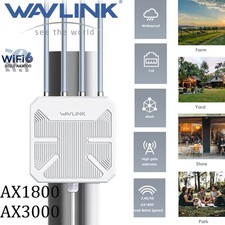
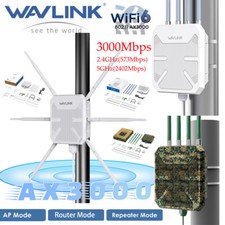
- Supports for dual band (2.4G 573Mbps+ 5G 2402Mbps) with the aggregated speeds up to 3000Mbps.
- Supports one WAN/LAN Ethernet Gigabit port.
- Complies with IEEE 802.1 ax/ac/n/g/a/b standards.
- Supports Router/AP/Range Extender/Mesh Router/Mesh Extender mode.
- Encryption type: OPEN,WPA2-PSK,WPA3/WPA2 MIX.
- Seamless and stable WiFi Mesh makes you enioy seamless roaming throughout the house with a single network name and password.
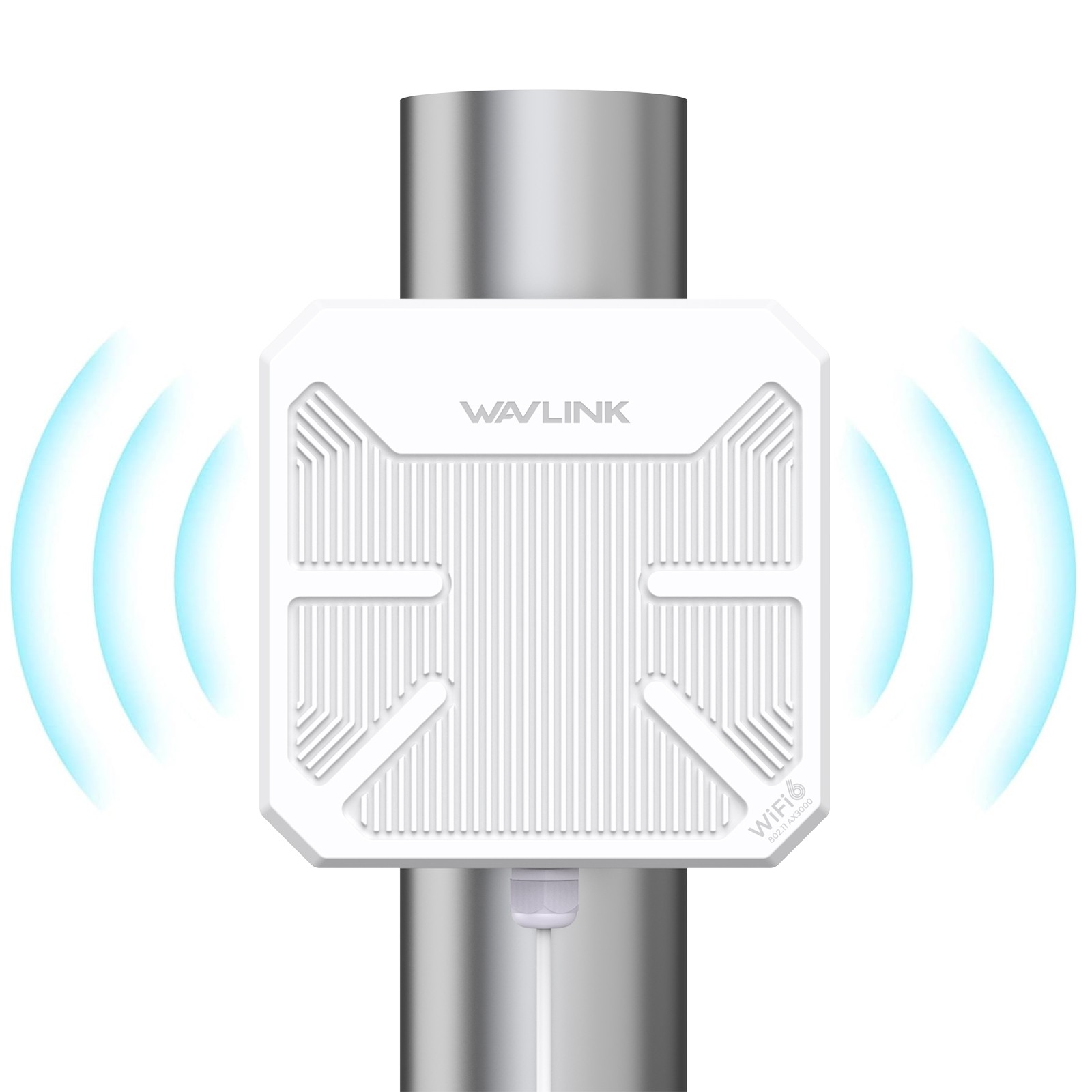
- Robust weatherproof case and IP67 waterproof grade withstand harsh outdoor conditions.
- Supports 802.3 AT/AF Active PoE and Passive PoE to supply power.
- Supports Fat AP Mode.
- Supports Fit AP Mode with WAVLINK AC controller. Specification
- Model: WL-WN573HP3
- Product Size: 24x24x7cm/9.4x9.4x2.8in
- PoE Converter Size: 4.4x3.7x2.2cm/1.7x1.5x0.9in
- Length: Ethernet Cable - 100cm/39.4in; Power Adapter Cable - 130cm/51.2in
- Product Weight: 1050g/37oz
- Standard: IEEE 802.11 ax/ac/a/n/g/b
- Frequency Band/Speed: 2.4GHz(573Mbps)+5GHz(2402Mbps)
- Wireless Security: WPA2-PSK, WPA2/WPA3-MIX
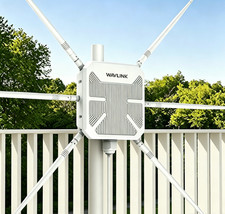
- Antennas: 4 x 12dBi Directional Antennas
- PAIR/RESET LED: Blue
- PoE Converter Status LED: GreenIn the Box
- 1 × AX3000 WiFi 6 Outdoor Access Point
- 1 × 54V Power Adapter
- 4 × Cable Ties
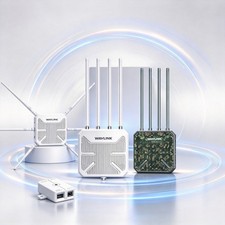
- 1 × PoE Converter
- 2 × Silicone Pads
- 1 × Ethernet Cable
- 1 × Main Body Holder
- 1 × PWM M4×8×8MM Screw
- 1 × Wrench
- 6 × KA M4×25×6MM Screws
- 1 × Quick Start Guide
- 6 × Φ8x25MM Screw Plugs
Warm Tips
①The PoE converter is not waterproof, please install it indoors.
②Please make sure your Ethernet cable is CAT5E or above certified and shorter than 100m/328ft.
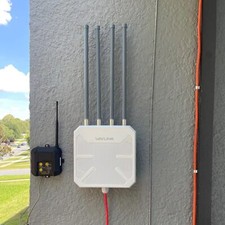
③Please install the product 2-3 meters above the ground for better performance.
④Under the mesh mode, WN573HP3 supports interconnection with WN586X3, WN583AX3 and WN573HX3.
⑤The real performance of the product may vary in accordance with different environmental conditions.
How to install the Ethernet cable?
①Pass the RJ45 cable through the waterproof connector cover.
②Screw the waterproof seal into the waterproof connector bracket.
③Pass the RJ45 cable through the waterproof connector bracket, and screw the waterproof connector bracket into the cover.
④Put the waterproof sealing ring on the waterproof connector bracket.
⑤Connect the RJ45 cable to WAN/LAN port.
Note: The PoE converter is not waterproof, please install it indoors.
Please make sure your Ethernet cable is CAT5E or above certified and shorter than 100m/328ft.
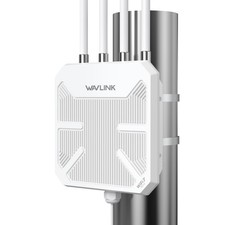
How to install the product on a column?
①Stick two silicone pads on the bracket and post respectively.
②Thread the cable ties through the fixing point of the bracket.
③Fix the product to the post with cable ties.