Product name
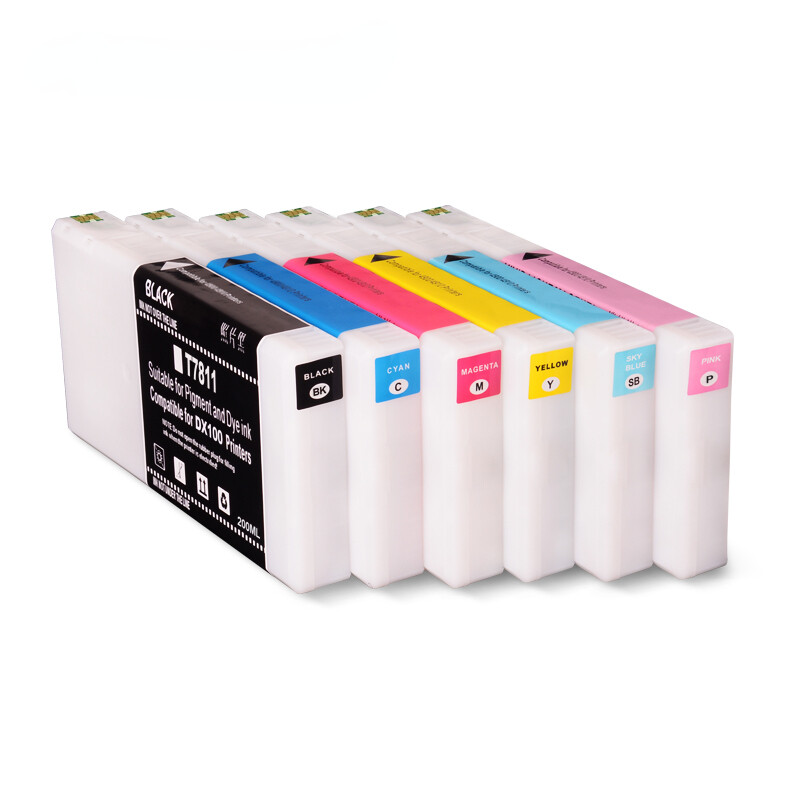
Ink cartridge, Compatible ink cartridge
Suitable printers
For Fujifilm Frontier-S DX100 printer
For Fuji DX100 printer
Cartridge number
T7811 T7812 T7813 T7814 T7815 T7816
Chip type
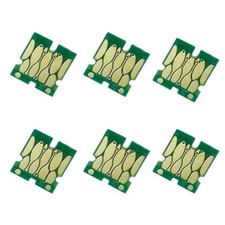
Installed the stable cartridge chip
Color
BK C M Y SB P
Cartridge capacity
200ml/pc
Ink type
Filledwith 200ml water based dye ink
Warranty
1:1 replace any defective
What's in package
1 Piece× T7811 Black ink cartridge
1 Piece× T7812Cyan ink cartridge
1 Piece× T7813Magenta ink cartridge
1 Piece× T7814Yellow ink cartridge
1 Piece × T7815Sky Blueink cartridge
1 Piece× T7816Pink ink cartridge
Replacing ink cartridges
Before you begin a large print job, you should check your ink levels.If one of your cartridges is low, you can replace it before you start.
Or you can wait until the ink runs out, replace the cartridge, and then continue the job without any loss of print quality.
However, it is best toreplace a low ink cartridge before starting a large print job.
How to replace
1. Check that the printer'slight is on.If thelight is flashing, the printer is operating. Wait until all operations have stopped.
2. The ink light indicates if it is necessary to replace the ink cartridges.
3. Open the cartridge cover on the side that needs to be replaced.A warning buzzer sounds when you open the cover.
4. Press the empty Ink cartridge gently so that it pops out a little, and then remove.
Important:Removed ink cartridges may have ink around the ink supply port, so be careful not to get any ink on thesurrounding area when
removing the cartridges.
5. Remove the new ink cartridge from it's package.
6. Slide the ink cartridge all the way into the printer.
7.Close the cartridge cover.Check that the printer'slight is on.