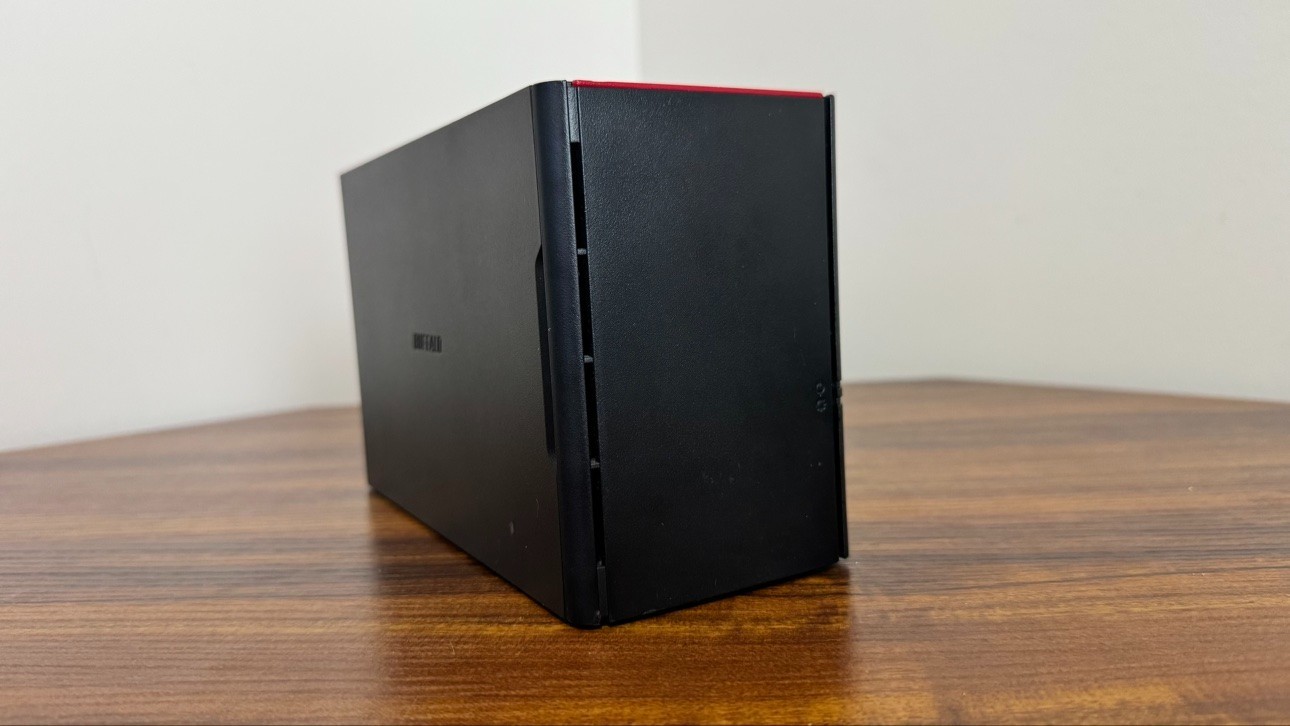
Title: Buffalo LinkStation LS220DE 2-Bay Diskless NAS Enclosure - Tested Working, PSU + Trays + Cables
Description:Buffalo LinkStation LS220DE 2-bay diskless NAS enclosure — tested and working.
WHAT'S INCLUDED:• Buffalo LinkStation LS220DE enclosure (no hard drives)• 2x drive trays with mounting screws• Original Buffalo 12V 4.0A power adapter + AC power cord• Ethernet cable• Front cover
CONDITION: Used, clean, fully tested. Powers on and is detected on the network (see the NAS Navigator screenshot).
ABOUT "EMERGENCY MODE" (PLEASE READ):The screenshot shows the unit in Emergency Mode. This is NORMAL and EXPECTED for a diskless Buffalo NAS — it is NOT a defect. Buffalo stores the NAS firmware on the hard drives, so with no drives installed the unit boots into Emergency Mode, which is exactly the state used to set it up.
To get it running:1. Install your own 3.5" SATA hard drives (up to 2)2. Download the free LS220D firmware updater from Buffalo's website3. Run the updater on a Windows PC on the same network — it will find the NAS in Emergency Mode and write the firmware to the drives4. The NAS reboots into normal mode — set your admin password and you're done
FEATURES: 2-bay, Gigabit Ethernet, USB 2.0 port, RAID 0/1/JBOD support.
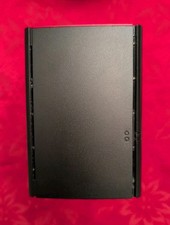
NOTE: No hard drives are included. Photos show the actual item.