1. Product Overview
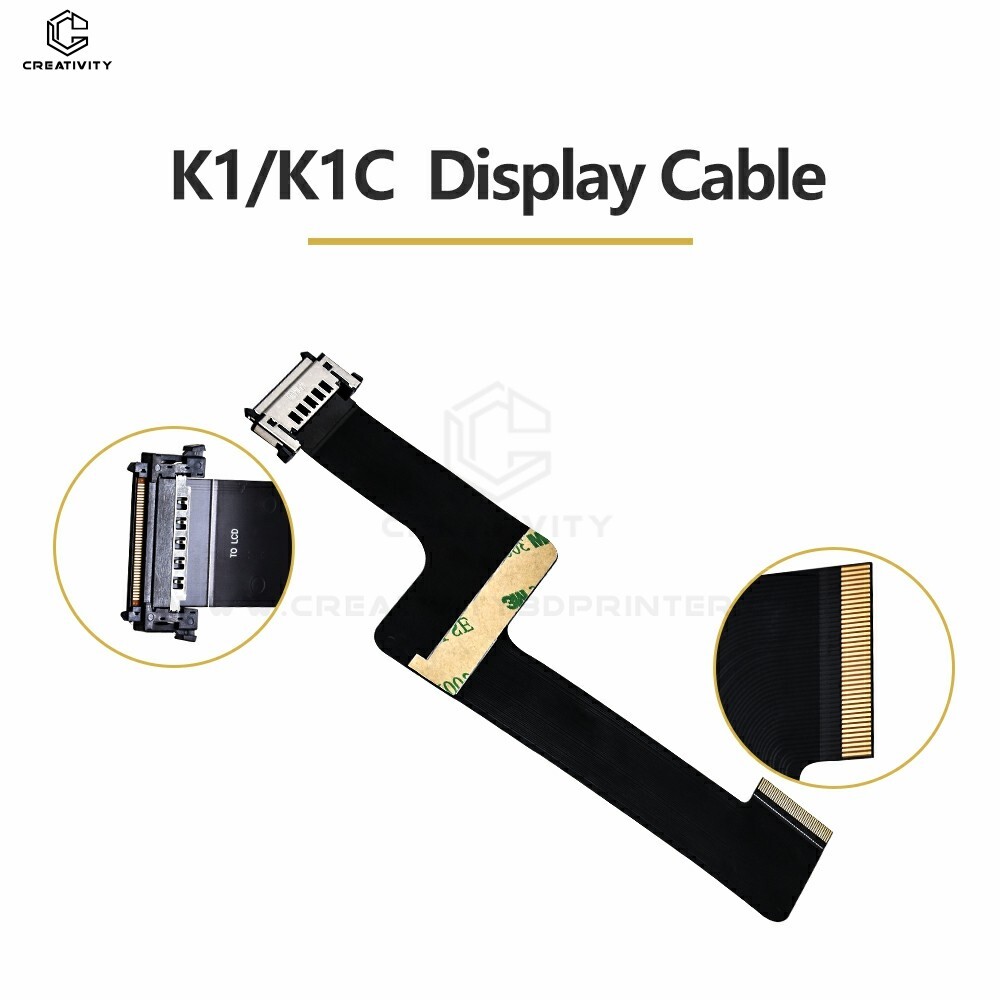
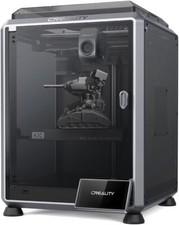
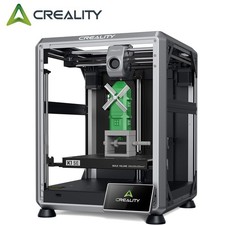
Creality K1C FPC Cable (Flexible Printed Circuit Board Cable) is a high-speed 3D printer signal transmission component designed for Creality K1CK1 and K1 Max, used to connect key modules such as motherboards, print heads, sensors, and touch screens. Its flexible and bendable characteristics enable it to adapt to the compact internal structure of K1C, ensuring stability and reliability during high-speed printing.
2. Core Features
✅ Highly flexible design
Using polyimide (PI) substrate, the thickness is only 0.1~0.2mm, which can be bent repeatedly (bending life ≥100,000 times), adapting to the dynamic wiring needs when the print head moves.
✅ High-speed and stable transmission
✅ High temperature resistance & anti-interference
Can withstand short-term high temperatures of 150℃ (such as near the hot end area), and some models have aluminum foil shielding to reduce electromagnetic interference (EMI).
✅ Precise interface matching
Specially optimized for K1C, matching motherboard, print head, touch screen, automatic leveling sensor and other interfaces to avoid poor contact problems caused by universal cables.
✅ Plug and Play
Adopt ZIF (zero insertion force) connector or FFC (flat flexible cable) interface, easy installation, anti-reverse plug-in design reduces error rate.
3. Technical parameters
Parameter Specifications
Conductor material Gold-plated copper / tin-plated copper
Line width / spacing 0.5mm / 0.3mm (customizable)
Temperature range -40℃ ~ +125℃
Withstand voltage level 300V AC (1 minute)
Interface type ZIF / FFC (0.5mm spacing)
4. Typical applications
Motherboard ↔ Touch screen (UI control signal transmission)
5. Installation and maintenance recommendations
⚠ Note during installation
Avoid sharp bends (minimum bending radius ≥3mm) to prevent conductor breakage.
Make sure the connector is in the correct direction, reverse insertion may cause a short circuit.
Maintenance Recommendations
Check the oxidation of the interface regularly (the gold-plated layer is more corrosion-resistant).
If the cable is damaged (such as broken or the insulation layer is damaged), it is recommended to replace it with the original or compatible model to ensure signal stability.
6. Compatibility Description
Designed for Creality K1CK1 and K1 Max.