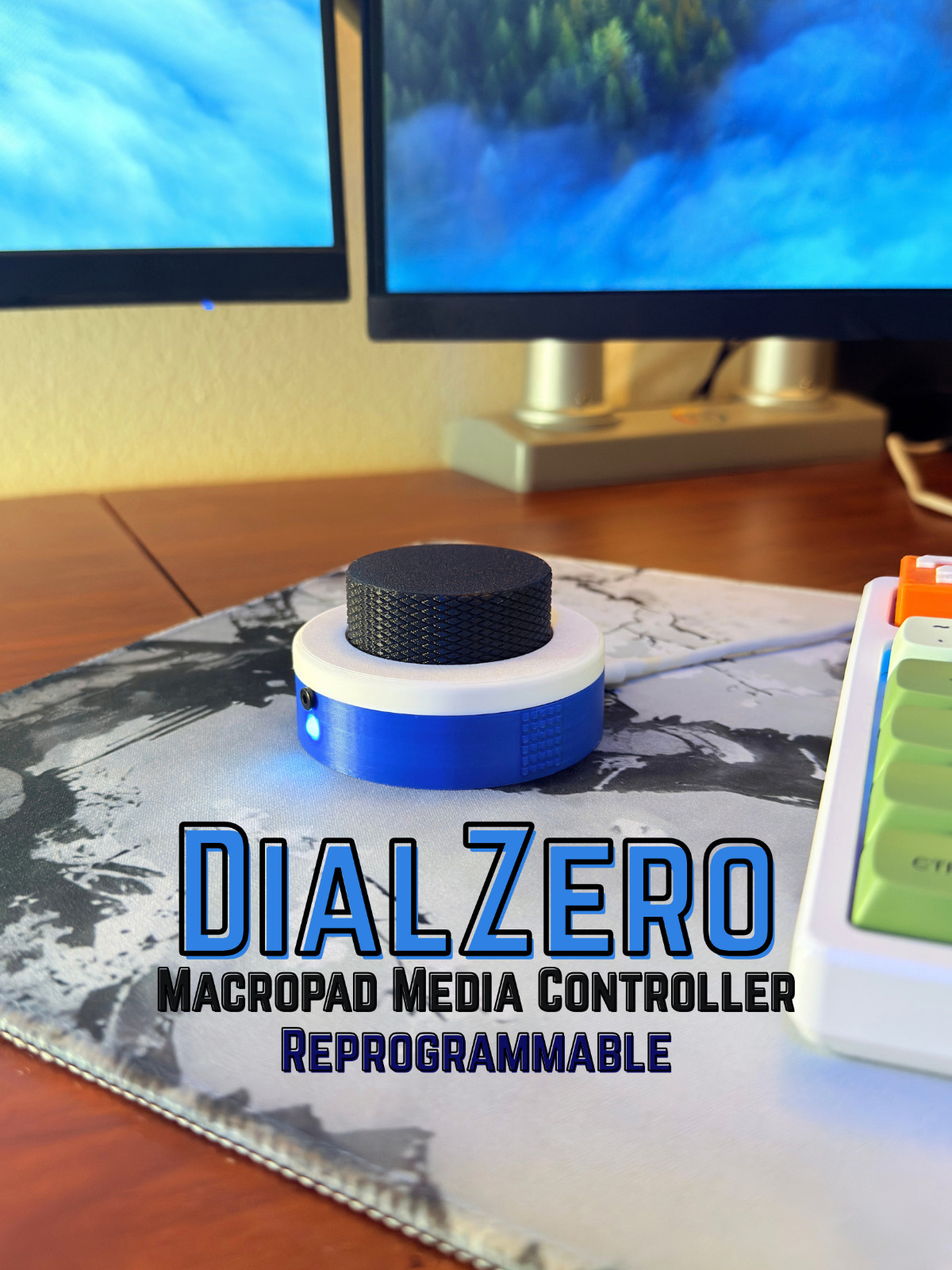
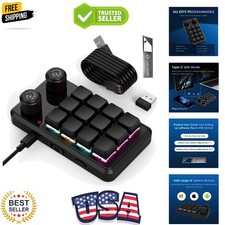
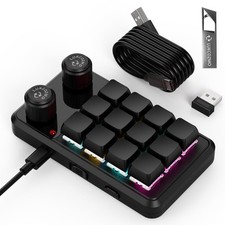
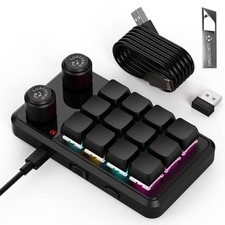
DialZero is a custom, rebindable macropad to help with productive and creative workflows. The DialZero incorporates a rotary encoder (knob) and a touch sensor featured on the side, which when used in combos can provide 6 custom controls that are quick and satisfying to use. There is also a customizable RGB LED that provides an aesthetic touch and response to your controls. DialZero is compatible with Windows and Mac. It connects to the computer via USB-C. The default controls that come with DialZero are:Knob press = pause/play mediaKnob rotate = volume controlKnob double press = unbindedKnob hold = escSide touch + knob press = volume muteSide touch + knob rotate = next/previous track (mainly for music)
Dimensions: 3in x 3in x 2in
Colors: Red, Blue, Black, White
What’s included:DialZeroUSB-C to USB-C cable
How to customize your own controls:1. Plug DialZero into your computer2. Open File Explorer/Finder3. Click on "DIALZERO" in the left side bar4. Double-click on code.py (you can open this with any standard text editor)5. Follow the steps provided in it to configure the 6 controls to whatever you want!
I accept custom orders so feel free to slide me a message!
Due to the customizable firmware, we can't accept returns once code has been modified, but defective units are exchanged free.