Product description Add to Cart Add to Cart Add to Cart Add to Cart Add to Cart Customer Reviews 3.9 out of 5 stars 1,800 4.2 out of 5 stars 2,197 4.2 out of 5 stars 1,485 3.7 out of 5 stars 2,158 3.7 out of 5 stars 643 4.5 out of 5 stars 1,243 Price $64.99$64.99 $33.99$33.99 $39.99$39.99 $64.99$64.99 — no data $24.76$24.76 Style Thumb Thumb Thumb Handheld Thumb - no data Hand Orientation Right Right Left Amofferextrous Right - no data Connection USB 2.4GHz + Wired + Bluetooth USB 2.4GHz / Wired USB 2.4GHz Bluetooth / USB 2.4GHz Bluetooth / USB 2.4GHz - no data Buttons 8 6 6 10 5 - no data DPI switch 500/1000/1500 750/1500 750/1500 500/1000/1500 750/1500 - no data Ball Size 34mm 34mm 34mm 25mm 25mm 34mm Add to Cart Add to Cart Add to Cart Add to Cart Customer Reviews 4.0 out of 5 stars 2,152 4.2 out of 5 stars 3,328 4.2 out of 5 stars 3,492 4.0 out of 5 stars 588 3.8 out of 5 stars 255 4.4 out of 5 stars 661 Price $59.99$59.99 $54.99$54.99 — no data — no data $34.18$34.18 $40.22$40.22 Style Index Finger Index Finger Index Finger Index Finger - no data - no data Hand Orientation Right Right Right Right - no data - no data Connection USB 2.4GHz + Wired + Bluetooth USB 2.4GHz / Wired USB 2.4GHz / Wired Bluetooth / USB 2.4GHz - no data - no data Buttons 8 8 8 5 - no data - no data DPI switch 500/1000/1500 500/1000/1500 750/1500 750/1500 - no data - no data Ball Size 44mm 52mm 34mm 34mm - no data - no data Mouse Assistant STEP1
1. Go to the "ELECOMUSA " website. (Not ELECOMUS website)Click "Mouse Assistant" in the middle of the top.
2. Select "WINDOWS" or "MAC" for installation. (When installing on a PC running security software, it is recommended to temporarily deactivate it before installation.)
3. Click "MOUSE ASSISTANT MANUAL" if you want detail about it.
STEP2
1. Save to your computer. (If you have any problem or question, please contact ELECOM on this website.)
2. Installation is now complete. If successfully installed, the Mouse Assistant icon is visible in the indicator as shown in the image. Let's open it!!
STEP3
1. Select your language. Click "OK". Then the window is closed automatically. Please open it again.(Setup required each time it is opened)
2&3. Button Function Assignments
4. Scroll speed adjustment
5. Arrow: Manual & Help
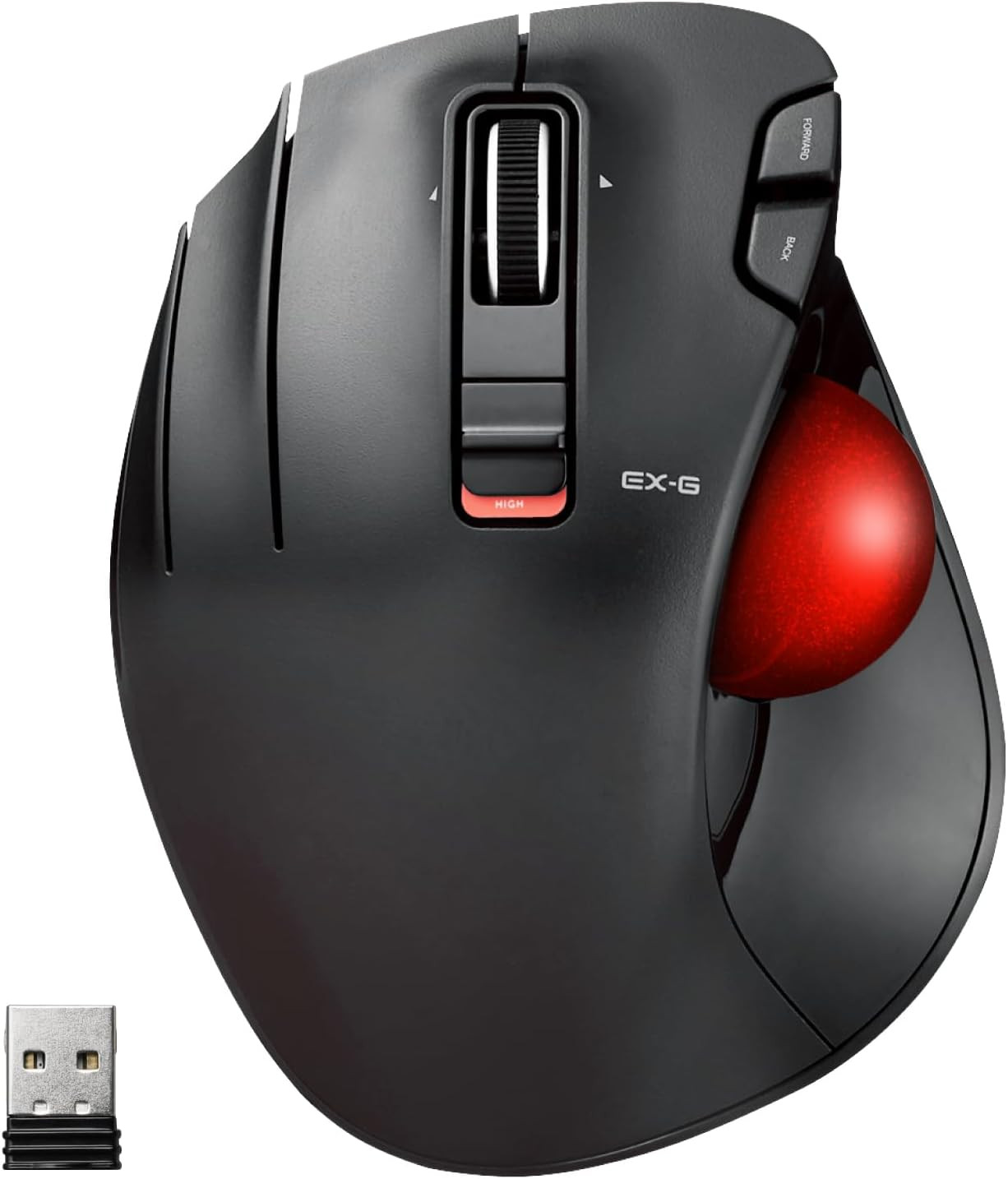
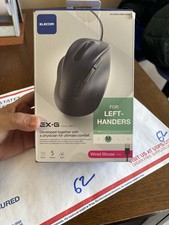
- OPTICAL TRACKING TECHNOLOGY: The ELECOM EX-G series trackball provides precise cursor movement for superior accuracy so you can get where you want on the screen quickly with less hand movement, improving productivity and efficiency. This mouse is designed for a LEFT-HANDED person
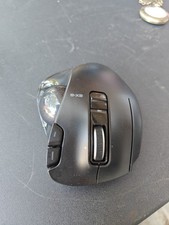
- FUNCTIONAL 6 BUTTONS: You can assign favorite function to each button by using ELECOM Mouse Assistant Software which will be available to download from ELECOM NET website
- DPI CURSOR: Designed with a high-performance gaming optics system sensor and lens. The DPI button can easily change between 750(LOW) and 1500(HIGH) DPI, making the movements of your cursor faster or slower
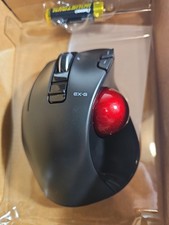
- RED BALL FOR OPTICAL TRACKING: For the tracking accuracy and the best sensor, this item uses a RED BALL. RED COLOR sensing provides more accuracy for current optical tracking technology, a must for high-performance gaming optics system sensors. You will enjoy the results of trackball high performance optical sensors for all movement
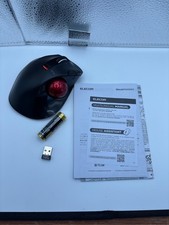
- PRODUCT DETAILS: System requirements: Windows Vista, Windows 7, Windows 8, Windows 10 or later (Horizontal scrolling function is not working in Windows RT8.1), macOS 10.10 later, Size: W3.7 inches (94.7mm) X L4.9 inches (124.4mm) X H1.9 inches (47.9mm), Weight: 4.5oz (without battery), DPI: 750/1500 count (switchable), Connectivity: wireless, 1 X AA battery (Included) - Battery Remaining Light Lamp equipped
- ERGONOMIC THUMB CONTROL DESIGN: Features an ergonomic design with thumb-controlled trackball operation that reduces strain and fatigue during extended use, providing comfortable navigation for left-handed users throughout the day
- WIRELESS CONNECTIVITY: Operates on 2.4 GHz USB wireless technology providing reliable connection without the clutter of cables, allowing freedom of movement and a clean workspace setup