C1 Project Tracker for Freelancers - client work in one place
For agency founders, startup project managers and solo consultants who want projects, milestones, tasks and logged time in one connected system.
⚡ Instant electronic delivery🧩 Notion + Airtable + Google Sheets📘 19-page PDF setup guide♾️ One-time - no subscription
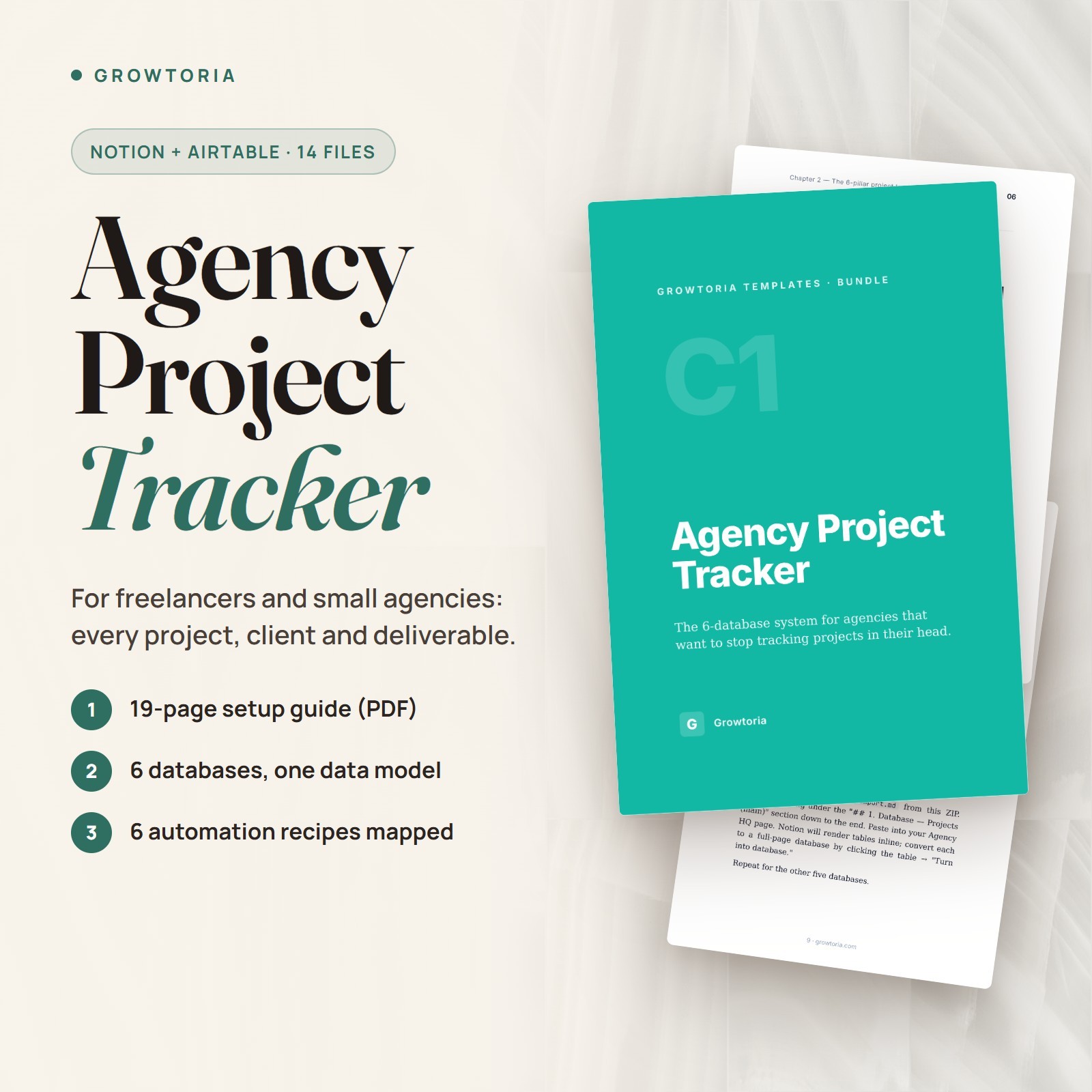
C1 Project Tracker for Freelancers is a client project-management system delivered as a ZIP of 14 files: a Notion Markdown import for 6 linked databases (Projects, Milestones, Tasks, Deliverables, Time entries, Clients), an Airtable schema reference (JSON) and a Google Sheets version (CSV with sample rows). It is built for agency founders, in-house project managers at startups and solo consultants. A 19-page PDF setup guide, 6 written automation recipes, 3 adaptation guides and 4 SVG illustrations are included.
What you can do🗂️6 Linked DatabasesProjects, Milestones, Tasks, Deliverables, Time entries and Clients, with property tables, view definitions, rollup and formula specs, status pipelines and a project page template.🔀Three Tool VersionsBuild it in Notion from the Markdown import, in Airtable from the field-by-field schema, or start today in Google Sheets from the CSV.⚙️6 Automation RecipesWritten trigger, action and filter steps for a new-project alert, a daily at-risk digest, milestone reminders, overdue-task escalation and a monthly invoice draft from logged time.🧭3 Adaptation GuidesFields to add or hide, views, weekly rhythm, metrics to watch and anti-patterns for agencies of 5-15 people, startup teams and solo consultants.How it works
- Read the quickstart Unzip the file, then open the README and the 19-page setup guide (PDF).
- Build your databases Paste the Notion Markdown import, turn the tables into databases and wire the relations step by step - or build the base in Airtable or use the Google Sheets CSV.
- Adapt and automate Pick the adaptation guide that matches your team, then build the automation recipes you need in n8n or a similar tool.
What's included
- ✔️ 1 ZIP file containing 14 files
- ✔️ Notion Markdown import (.md) - scaffold for all 6 databases
- ✔️ Airtable schema reference (.json) - for building the base by hand
- ✔️ Google Sheets version (.csv) - 6 stacked sections with sample rows
- ✔️ 19-page setup guide (PDF)
- ✔️ 6 automation recipes (.md) with one n8n node snippet
- ✔️ 3 adaptation guides (.md) - agency, startup and solo styles
- ✔️ 4 schematic SVG illustrations (views and data model)
- ✔️ README (.txt) and changelog (.txt)
Why customers choose it🎯One source of truthClient work moves from briefing to delivered in one place instead of across scattered spreadsheets, chat threads and notes.⏱️Logged time next to the workTime entries sit in the same system as projects, and a written recipe shows how to turn them into a monthly invoice draft.🛠️Fits the tool you useRun the same structure in Notion, Airtable or Google Sheets, depending on what your team already opens every day.Buy with confidence
Instant electronic delivery • One-time purchase • Friendly support — just message us on .Quick answersWhat software do I need?
A free Notion account for the Notion version, or Airtable or Google Sheets for the other versions, plus a PDF reader for the setup guide and any text editor for the Markdown files.How is it delivered?
Delivered electronically right after purchase through messages - nothing is shipped. You receive one ZIP file containing 14 files.Is it a one-click Notion template?
No. The Notion file is a copy-paste Markdown scaffold: you turn the tables into databases and connect the relations yourself, following the setup guide step by step. The Airtable file is a field-by-field reference, not a one-click import.Are the automations ready to import?
No. They are 6 written recipes (trigger, actions, filters and message templates) to build in n8n or a similar automation tool - not importable workflow files.Who is it for?
Agency founders running several client projects at once, in-house project managers at startups, and solo consultants who need more than scattered documents.More from our storePair it with C4 Client Onboarding System to start new clients right, or Timesheet Invoice Generator to bill your logged hours.Instant electronic delivery - set up your client project tracker today.License & buyer notice
This is an electronically delivered product — nothing is shipped. The buyer is only receiving a revocable license with specific limitations: one user, for personal or internal business use; the files may not be resold, shared or redistributed. Electronically delivered goods do not qualify for the Money Back Guarantee. What you need: A free Notion account to import the template (or Airtable or Google Sheets for the other versions); the guides are PDFs. If anything is not right, message us on and we will fix it.