About this item
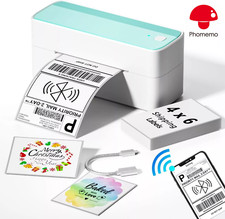
- Easy Bluetooth Connection- Bluetooth label printer easy to connect with your phone and pads. Stable Bluetooth connection within 5 meters. Also can use USB line to connect with your computer.
-
- Thermal Printer Fast and Reliable- D520-BT thermal label printer ultra-fast at 150mm/s. Average printing up to 60 sheets of 4"x6" labels per minute. Inkless printer don't require ink and ribbon and won't get your hands diy.
-
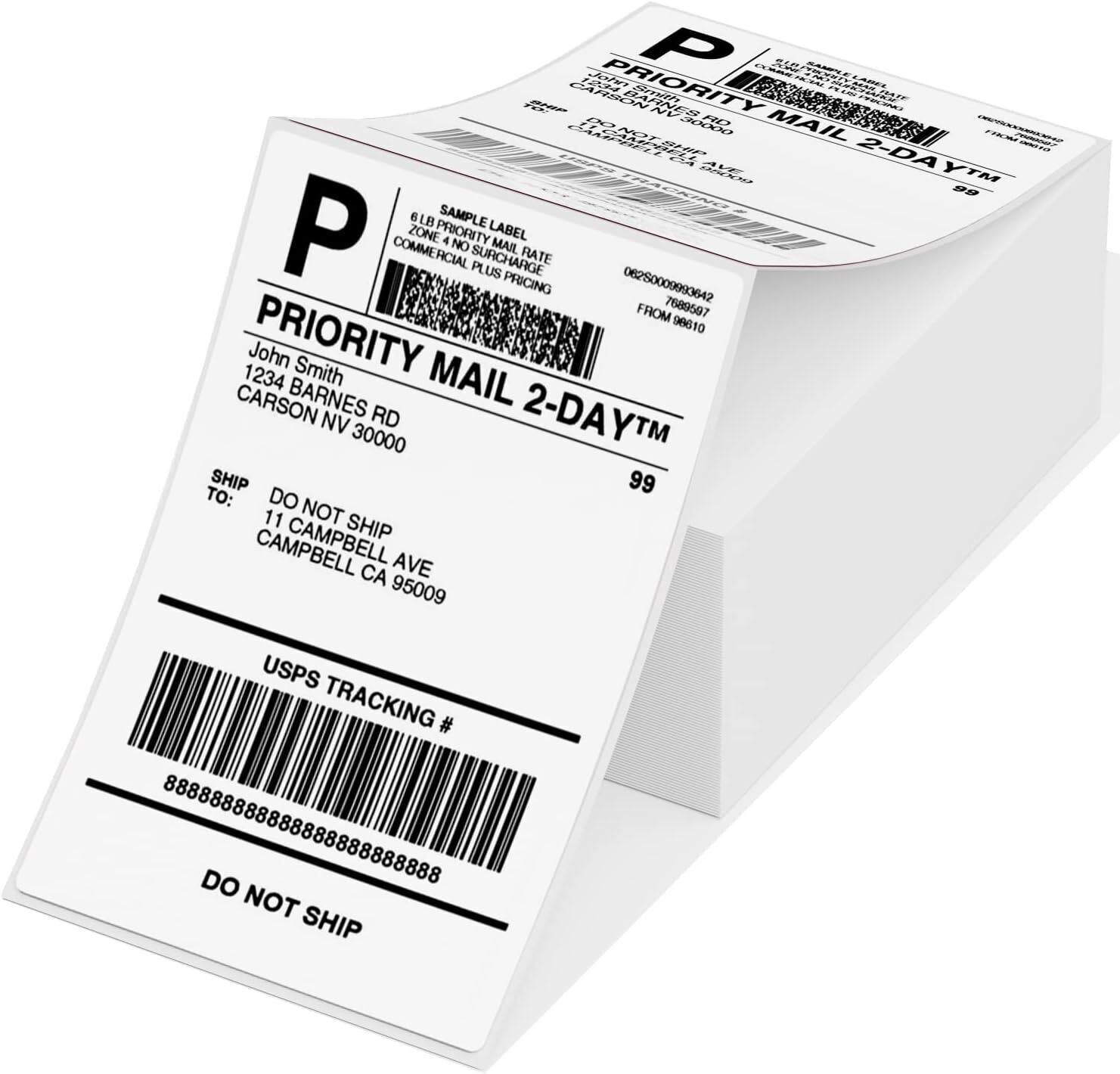
- Large Capacity of Paper Bin- D520-BT shipping label printer with 2 times larger upgrade capacity can hold 500 sheets of 4X6''. No need to change paper rolls frequently, making your printing more efficient.
-
- Edit Freely on Our APP- D520 thermal printer works with our app "Labelife", provides 500+ templates and a large number of custom elements for DIY labels, supports WORD/TXT/PDF printing.
-
- Good for Smalll Business- Compatible with most major shipping platforms including Shopify, Etsy, , Amazon, Poshmark, Fedex, ShipStation, ShippingEasy, Shippo,Ordoro,etc. Good for starting your small business.
-
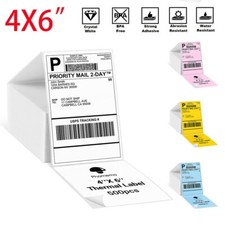
- Works with Multiple Sizes Printing Labels- label printer prints labels from 0.78"to 4.4" wide. Idea for 4" x 6" shipping labels and barcode/postal/bulk mailing labels ect.
Purchase Notes Phomemo PM-241-Bluetooth and USB Thermal Label High Speed Printer connect for Window, Chrome OS, Mac OS, iOS, Android Packing Listing(Printer):Phomemo PM-241 Shipping Label Printer * 1USB Cable * 1Power Adapter * 1Power Cord * 1Quickstart Guide * 14×6 Test Labels *10 A Huge Time Saver - PM-241-BT Thermal Shipping Label Printer
Still using lots of paper, toner or ink?
Still cutting the labels to make them look nicer?
Still taking valuable time to go to the post office?
Stop these inefficient steps now! It's time for effective change! Our wireless label printer can solve all these problems! Get this mailing label printer to start a your own business at home now!
Warm Tips For This New Functions:
1. This PM-241-BT thermal label printer for shipping packages supports Bluetooth on Phones and PCs now!(Totally new technology in the market, others can only connect Bluetooth on Phones!). Bluetooth supports Android/iOS system & MAC/Win. Note: All devices cannot be directly connected to Bluetooth and need to be used through the free Labelife app.
2 .This thermal printer machine also support all computer systems including Google.
3. If a computer is connected to USB, it cannot be connected via Bluetooth on the same one computer.But, printers can support two different device connections, with one device connected via USB and the other different device can connect via Bluetooth.
PM-241-BT Support for Chrome OS - Steps:
1. Attach the printer and computer with USB and turn on the printer.
2. Enter “Labelife” in the Chrome Web Store and add the extension to your Google Chrome.
3. Open the Labelife extension. Click "Add" to discover your printer. And "Setting Printer" to complete the print settings.
4. Open the file in Google Chrome and "Ctrl + P" to wake up the print interface, select the printer you just included and start Print.
Warm Tips: For details, please see the video below the top left image: Guide 2 - Directly print labels on Google (USB).
Pay Attention:We are a large brand flagship store with a three-year after-sales quality guarantee for non-human damage. We offer free returns and replacement of new products!!! Please identify us - Phomemo
On Dec 21, 2025 at 19:13:23 PST, seller added the following information: On May 18, 2026 at 22:59:42 PDT, seller added the following information:
On Jul 8, 2026 at 00:06:08 PDT, seller added the following information: