 When you click on links to various merchants on this site and make a purchase, this can result in this site earning a commission. Affiliate programs and affiliations include, but are not limited to, the eBay Partner Network. When you click on links to various merchants on this site and make a purchase, this can result in this site earning a commission. Affiliate programs and affiliations include, but are not limited to, the eBay Partner Network.
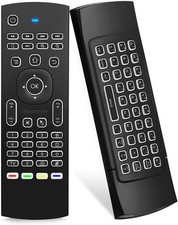
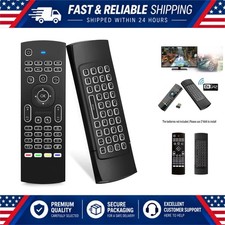
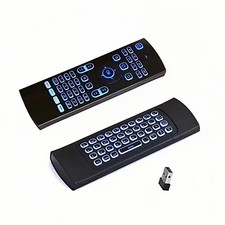
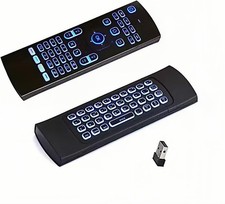
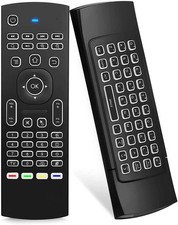
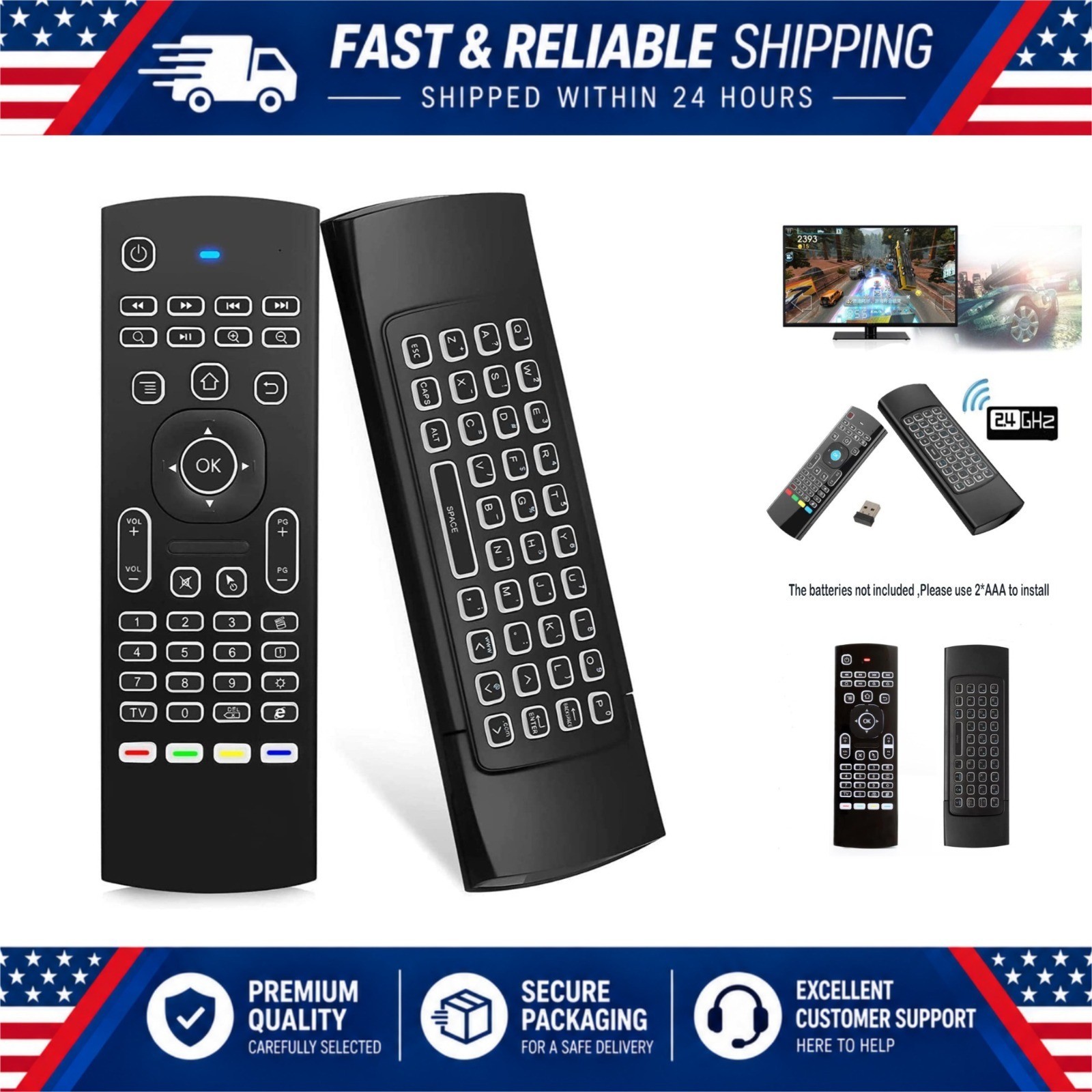
Overview Take control of your home entertainment setup with the MX3 Pro Mini Wireless Keyboard and Air Mouse Remote. Combining a compact QWERTY keyboard, a 2.4G wireless air mouse, and an infrared learning remote in one handheld device, it lets you type, browse, and navigate from the comfort of your couch. The built-in 6-axis gyroscope and 3-axis sensor deliver smooth cursor control in both horizontal and vertical modes, making it ideal for games, streaming apps, and web browsing on the big screen. With LED backlit buttons, the remote stays easy to read even in a pitch-dark room, so late-night movie sessions are no problem. Setup is quick and simple: just insert two AAA batteries, plug the USB dongle into your device, and the remote pairs automatically. It works with Android TV boxes, smart TVs, projectors, HTPC, all-in-one PCs, Xbox, Raspberry Pi, mini PCs, and networked set-top boxes. Key FeaturesBrandGuihengTypeMini wireless keyboard and air mouse comboConnectivity2.4G wireless (RF) with USB dongleBacklightWhite LED illuminated buttonsSensor6-axis somatosensory (3-gyro + 3-gsensor) for air mouse controlWireless RangeUp to 10 metersBattery2 x AAA (not included)Compatible DevicesAndroid TV box, smart TV, projector, HTPC, all-in-one PC, Xbox, Raspberry Pi, mini PC, networked set-top boxItem Weight3.52 ouncesHighlights - Perfect for streaming, gaming, and everyday navigation on Android TV boxes, smart TVs, projectors, HTPC, and mini PCs. The air mouse mode is great for pointing and clicking, while the keyboard makes searching, typing passwords, and chatting fast and easy.
To pair, make sure fresh batteries are installed, press OK and TV together for 3 seconds until the red LED flashes fast, then insert the USB dongle into your device. The LED stops flashing when pairing succeeds. If the cursor does not move, press the cursor lock button and try again. In the BoxPlease Note
|
|