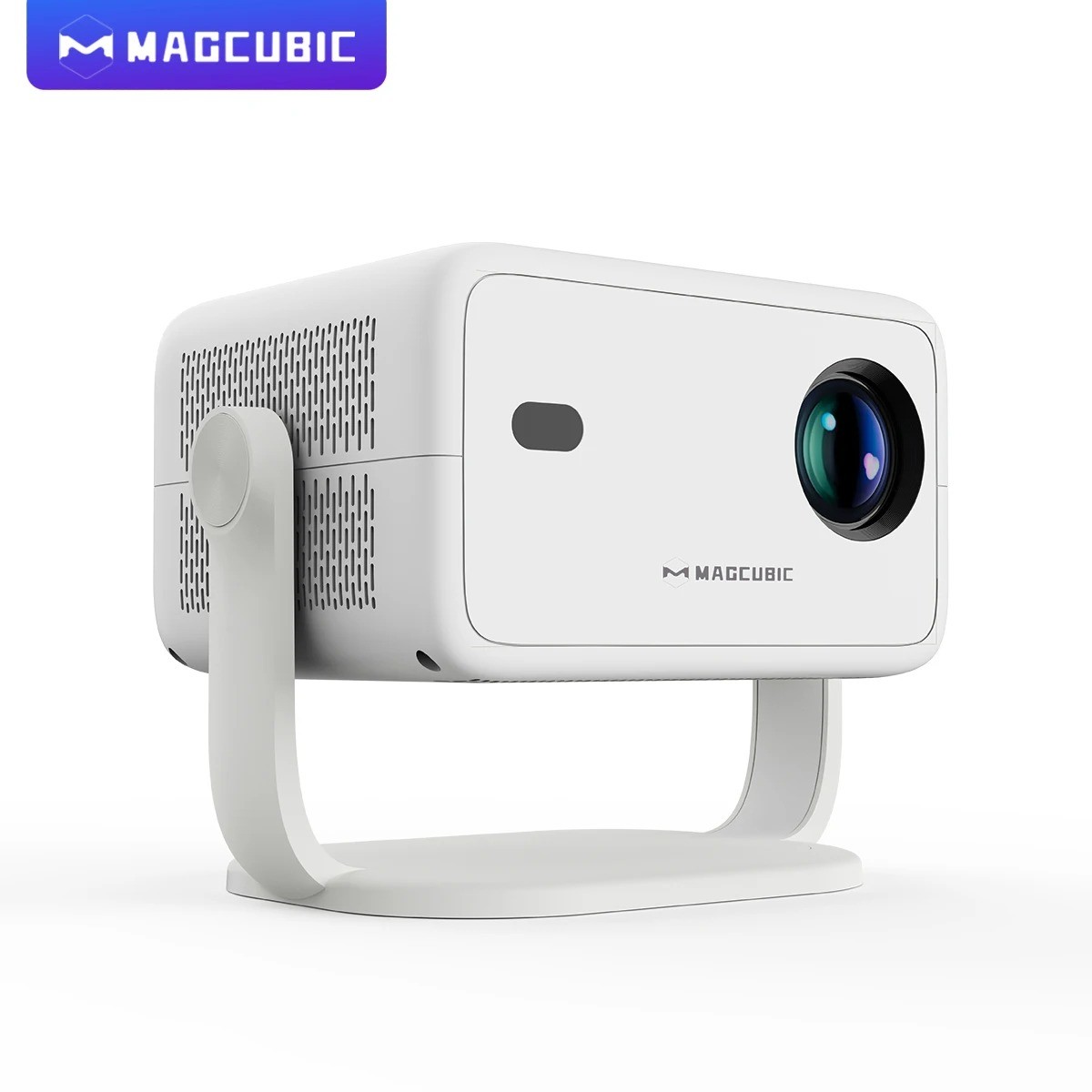
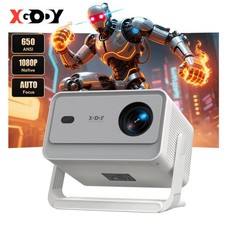
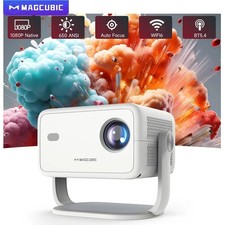
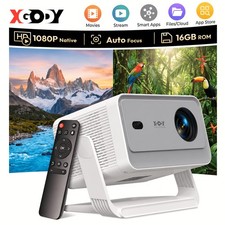
Flexible ProjectionUnlock limitless possibilities with a 360° rotatable design, allowing seamless placement and projection from any angle. Whether it's on the wall, ceiling, or an unconventional surface, this projector adapts to every scenario effortlessly.🔥🔥Crystal-Clear Visuals with Vibrant BrightnessEnjoy stunning image quality with support for 8K decoding and native 1080P resolution, complemented by 650 ANSI . Even in brightly lit spaces, every detail shines with incredible clarity and vivid colors.🔥🔥Advanced Auto Adjustment FeaturesSay goodbye to manual setup. With advanced auto-focus, automatic keystone correction, and obstacle avoidance, the projector delivers a perfectly aligned, distortion-free screen in seconds, offering a hassle-free experience.🔥🔥Powerful Android 14 with Customizable ModesPowered by the latest Android 14 system, it provides access to a wide range of apps and streaming platforms. Choose from three projection modes—High Brightness, Standard, and Eco—to suit your viewing preferences while balancing performance and energy efficiency.🔥🔥Immersive Sound and Seamless ConnectivityEquipped with BT 5.4 and WiFi 6, this projector ensures faster, more stable connections with your devices. Its premium built-in speakers deliver rich, high-quality audio, creating an immersive cinematic experience without the need for external speakers.Magcubic 360° Removable Portable Projector
Full of movie theater atmosphere in one device
360° & 650ANSI & WIFI6/2.4G+5G & BT5.4 & Auto Keystone/Focus & 1080P Native/8K Supported360° Removable Adjustable Stand Projector
Easily rotate and tilt the projector to achieve the perfect viewing angle
Auto Keystone Correction & Focus
goodbye to manual. Just 2 seconds to get clear image
Every Detail is Visible
650ANSI/20000:1 Contrast Ratio
True Native FHD1080P,8K Supported
More realistic,detailed color reproduction
Excellent Throw Distance
Enjoy the large screen at a short distance even in a small room, 1.2:1 Projection Throw Ratio
3 Models for Choose,Meet you all Needs
Standard mode,highlight mode and energy saving mode
Ultra-fast connection Dual-band WiFi6 (2.4G+5G)
Fast & stable connection without delay
BT5.4 & Hl-Fl Stereo Speaker
Let you enjoy ultimated sound experience!
6-Axis Gyro Sensor Air Mouse
More accurate & faster!
Say What You What
Free your hands with intelligentvoice remote control
Zoom In & Zoom Out
Easily adjust the image size from 50%-100%, no bother to move the projector
Note : After using this function, needs to be moved slightly for the auto-focus and keystone correction to take effect.
Wireless Screen Mirroring
Seamlessly cast from your phone,tablet,or laptop
Built-in Android 14 SystemHigh-Performing Processor Allwinner H726 ChipBedroom & Home Theather & Outdoor & GamingProduct Interfaces & AccessoriesQuestion & AnswerQ1: How Do I Upgrade the Firmware of L018?A: Go to Settings > About devices > Local upgrade/Online upgrade
Q2: How Do I Factory Reset the L018?A: Go to Settings > Other Settings > Restore factory settingsQ3: How Do I Zoom In/Out?A: Go to Settings > Projection settings > Digital scalingQ4 : How Do I Maunally Adjust the KeystoneA : Go to Settings > Projection settings > Manual trapezoidalQ5 : How to I activate L018's Manual Focus?A: Press the focus buttons on the remote control to get the best clarity.Q6: What Should I Do If My L018 Has No Sound?A: Try the following steps to see if they help:1. Hit the Volume Up/Down button on the remote control2. Connect your L018 to an external BT speaker via Settings > BT > Available devices3. Turn the projector to speaker mode4. Factory reset the L018 via Settings > Other Settings > Restore factory settingsQ7: What Should I Do If the Image is Tilted?A : Try the following steps to see if they help:1. Update the firmware to the latest. Go to Settings > About devices > Local upgrade/Online upgrade2. Manaulally adjust the keystone. Go to Settings > Projection settings > Manual trapezoidal3. Go to Settings >Projection settings > Reset trapezoidal correction if the above tips not workQ8: What Should I Do If My App Crashes?A: 1. Try another Wi-Fi network and update the firmware. Go to Settings > About devices > Local upgrade/Online upgrade2. Check if your time zone is accurate via Settings > Date and time > Time Zone3. Clear data via Settings > Apps management > (App Name) > Clear Cache.4. Reset the L018 via Settings > Other Settings > Restore factory settingsQ9: What Should I Do if the L018 Can't Connect to Wi-Fi?A : 1. Place the L018 and your router within 16 ft / 5 m of each other. Test if other devices can connect to Wi-Fi.2. Check if your time zone is accurate via Settings > Date and time > Time Zone3. Try a different Wi-Fi network or connect to your phone's hotspot.4. Try your router's 2.4GHz and 5GHz settings.5. Reset the L018 by going to Settings > Other Settings > Restore factory settings.