Notion CRM Template - clients, deals and follow-ups in one place
For freelancers, consultants and small agencies who have outgrown a spreadsheet but don't need a heavy sales CRM.
⚡ Instant electronic delivery🧩 Notion template - free plan works📊 Dashboard + 13 views♾️ One-time - no subscription
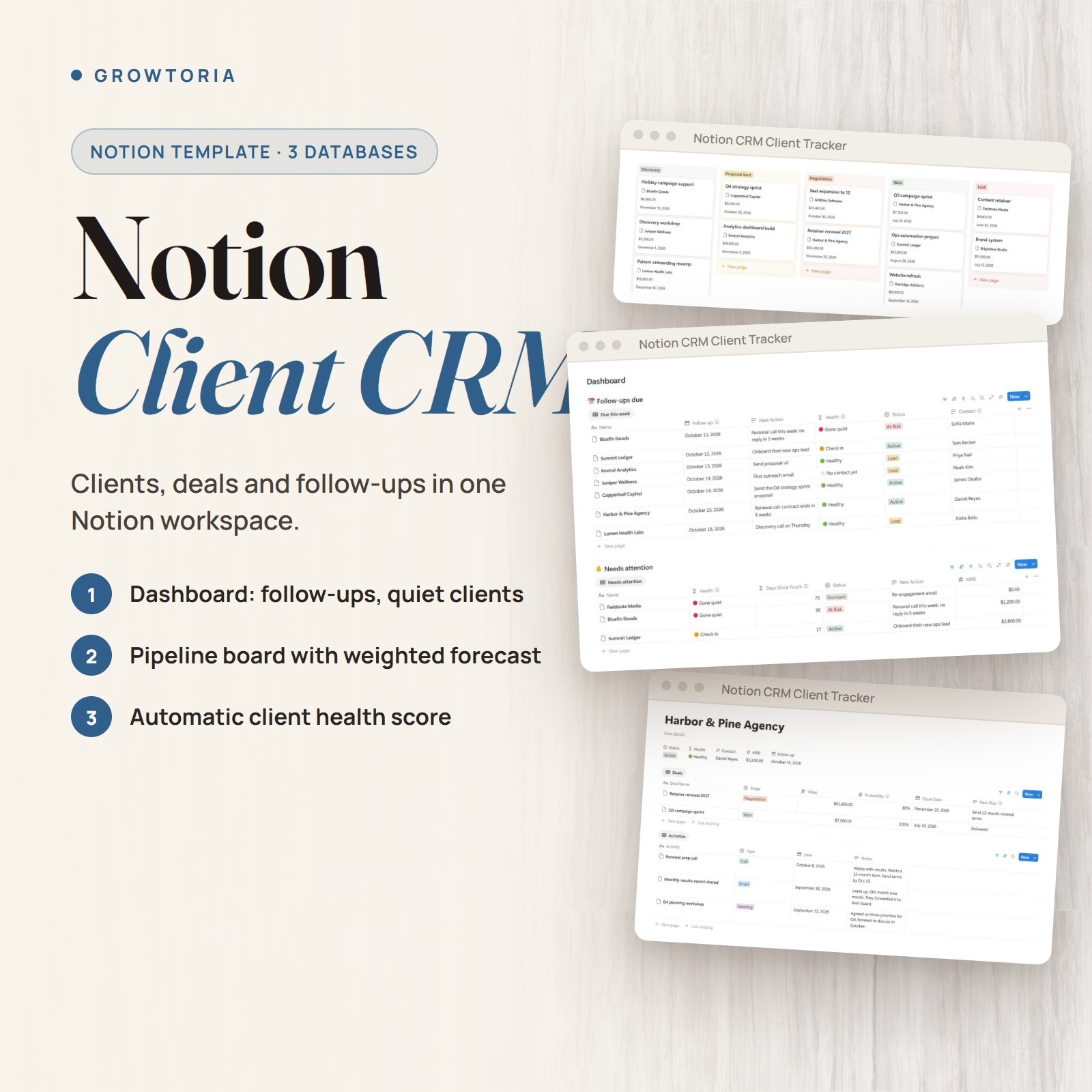
This Notion CRM template is a ready-made Notion workspace with 3 linked databases - Clients, Deals and Activity Log - and a dashboard that shows who to contact this week and who has gone quiet. It is built for freelancers, consultants and small agencies. You receive a 6-page PDF setup guide with the Notion template link: one click duplicates the template into your own workspace, and a free Notion account is enough.
What you can do🗂️3 Linked DatabasesClients (22 properties), Deals (12) and Activity Log (5); each client page shows its deals and its full activity history.🏠Dashboard & 13 ViewsA home dashboard with follow-ups due this week, clients needing attention, open deals by stage and recent activity, plus 13 views including a pipeline board and an activity calendar.🚦Automatic Health LabelGreen up to 14 days without contact, orange from 15 to 30 days and red after 30, based on the latest touch or logged activity.🧮Built-In FormulasOpen pipeline and won revenue per client, and weighted value per deal (value x probability), all with Notion formulas and rollups.How it works
- Open the setup guide Open the 6-page PDF guide and follow the Notion template link inside it.
- Duplicate and clean up Duplicate the template into your Notion workspace, then clear the sample rows or import your clients from a CSV - the guide shows both.
- Work from the dashboard Spend about 10 minutes a day on follow-ups and 20 minutes a week on the pipeline review.
What's included
- ✔️ 6-page setup guide (PDF) with the Notion template link
- ✔️ Notion CRM workspace: Clients, Deals and Activity Log databases, a home dashboard and 13 views
- ✔️ Fictional sample data (11 clients, 12 deals, 14 activities) to see how it works
- ✔️ CSV import instructions (Notion's Merge with CSV) for an existing client list
Why customers choose it🔔No forgotten follow-upsThe next follow-up and the last contact date sit next to every client, so quiet clients show up on the dashboard before they leave.🪶Small on purposeThree databases you can learn in an afternoon and change as you like.🆓No extra toolsEverything runs on Notion formulas and rollups - no automation tool, no add-on and no paid Notion plan.Buy with confidence
Instant electronic delivery • One-time purchase • Friendly support — just message us on .Quick answersWhat software do I need?
A free Notion account - the template only uses databases, relations, rollups, formulas and views - and a PDF reader for the setup guide.How is it delivered?
Delivered electronically right after purchase through messages - nothing is shipped. You receive the PDF setup guide; the Notion template link inside it duplicates the template into your own workspace in one click.Does it send messages or reminders?
No, it does not send anything. You can add Notion reminders on the follow-up dates if you want a notification.Can I import my existing clients?
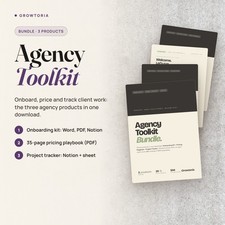
Yes. The guide shows how to bring in a CSV export from a spreadsheet or another CRM with Notion's Merge with CSV.More from our storePair it with Agency Client Onboarding Kit to start new clients right and Project Management Tracker to run the work once a deal is won.Instant electronic delivery - see who to follow up with this week.License & buyer notice
This is an electronically delivered product — nothing is shipped. The buyer is only receiving a revocable license with specific limitations: one user, for personal or internal business use; the files may not be resold, shared or redistributed. Electronically delivered goods do not qualify for the Money Back Guarantee. What you need: A free Notion account to duplicate the template; the setup guide is a PDF. If anything is not right, message us on and we will fix it.