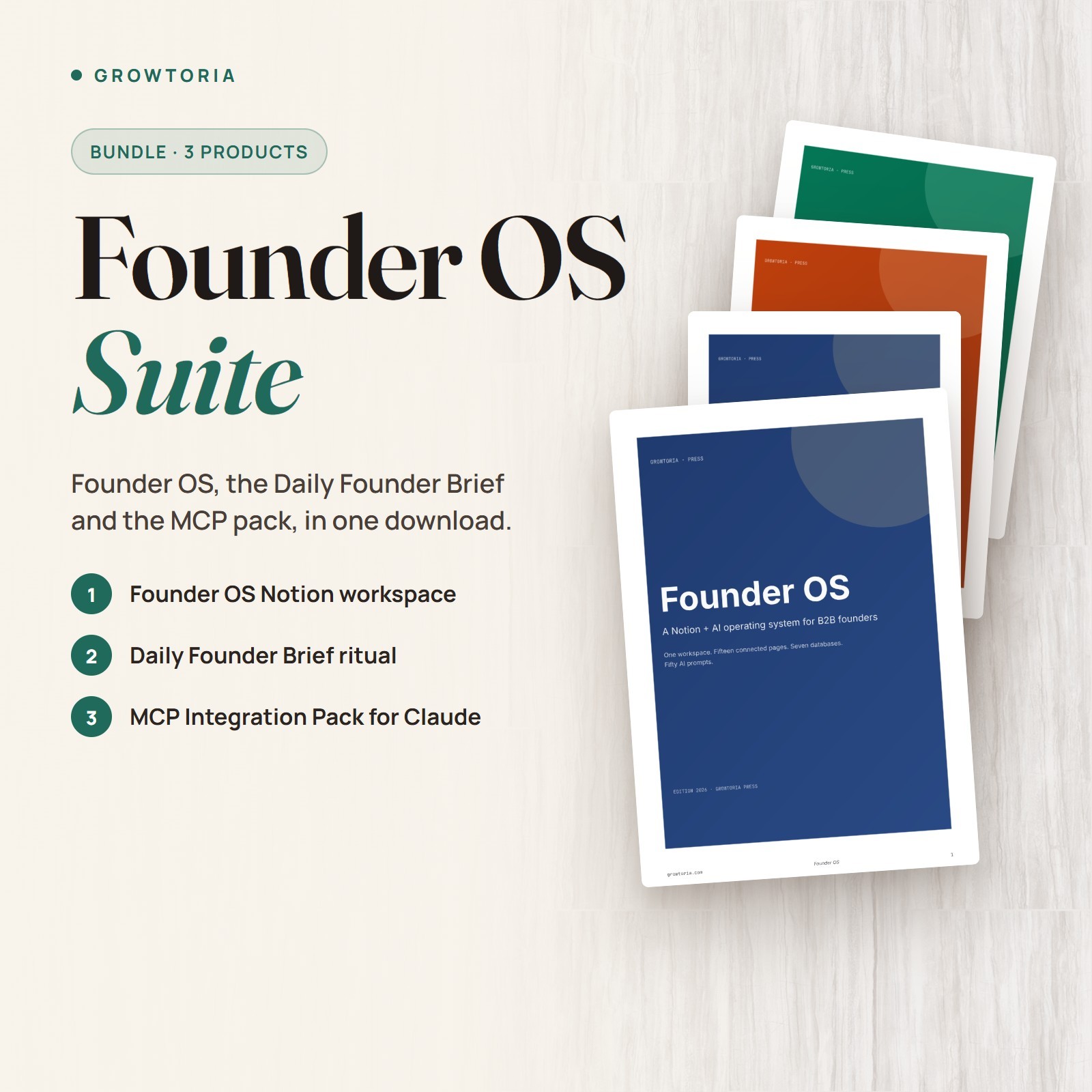
Founder OS Suite - Founder OS, Daily Founder Brief and MCP Pack
For founders, agency owners and operators who run their work in Notion and want all three Founder OS products in one purchase.
⚡ Instant electronic delivery📦 3 products in 5 files🧩 Notion workspace + templates🤖 AI prompts + MCP pack
Founder OS Suite bundles three products: the Founder OS Notion workspace (15 pages, 7 databases, 50 AI prompts), the Daily Founder Brief (16-page method guide, Notion template and 10 AI prompts) and the MCP Integration Pack (18-page setup guide, Claude Desktop configuration template and 10 MCP-optimized prompts). It is built for founders, agency owners and operators who already use Notion daily, and comes as 5 files: the Founder OS guide, cheatsheet and HTML launcher, plus a Daily Brief ZIP and an MCP ZIP.
What you can do🏠Founder OS Workspace15 connected Notion pages - 5 dashboards, 7 databases and 3 system pages - with a 50-page setup guide holding all 50 prompts.☀️Daily Founder BriefA morning ritual with a 16-page method guide, a Notion template (HTML launcher and Markdown import) and 10 prompts for a daily, weekly and monthly cadence.🔌MCP Integration PackAn 18-page setup guide, a claude_desktop_config.json template with an example file, 10 MCP-optimized prompts and a troubleshooting playbook.🗺️Designed as One SystemFounder OS is the core layer, the Daily Brief is the entry-point ritual on top of it, and MCP is the next step once the manual flow is routine.How it works
- Set up Founder OS first Open the HTML launcher, duplicate the workspace into Notion and fill in the OS Settings page.
- Add the Daily Brief on day one Unzip the Daily Brief pack, open its workspace launcher or import the Markdown template, and pin it as your morning entry point.
- Add MCP later From week two, follow the MCP setup guide to configure Claude Desktop with the included config template.
What's included
- ✔️ Founder OS setup guide (50-page PDF) with the full text of all 50 prompts
- ✔️ Founder OS First Day Setup Cheatsheet (PDF)
- ✔️ Founder OS HTML launcher that opens the Notion workspace for duplication
- ✔️ Daily Brief ZIP (5 files): method guide (PDF), first-day setup (PDF), Notion template (.md), workspace launcher (.html), README (.md)
- ✔️ MCP Integration Pack ZIP (6 files): setup guide (PDF), first-day setup (PDF), claude_desktop_config.json template and example, MCP prompts (.md), README (.md)
Why customers choose it🧩Built to work togetherThe Daily Brief runs on top of Founder OS, and the MCP pack is designed for a workspace your assistant can actually read.🪜A clear orderStart with the workspace, add the morning ritual, then add MCP once your daily and weekly loops are routine.📚Everything documentedEach product has its own PDF guide and first-day setup sheet, so you can set them up one at a time.Buy with confidence
Instant electronic delivery • One-time purchase • Friendly support — just message us on .Quick answersWhat software do I need?
A free Notion account for the Founder OS and Daily Brief templates, a web browser for the launcher files and a PDF reader for the guides. Claude Desktop is required only for the MCP Integration Pack.How is it delivered?
Delivered electronically right after purchase through messages - nothing is shipped. You receive 5 files: the Founder OS guide, cheatsheet and launcher, plus the Daily Brief ZIP and the MCP ZIP.Do I need to install MCP right away?
No. The suggested order is Founder OS first, the Daily Brief on day one, and MCP from week two, once the daily and weekly loops are routine.Which AI assistant do the prompts need?
The Founder OS prompts are model-agnostic and work with the AI chat assistant you already use; the 10 MCP-optimized prompts go with the MCP setup described in the pack.Who is it for?
Founders, agency owners and operators who already use Notion daily and plan to use all three products.More from our storePair it with Solo Founder Playbook or Pre-Seed Pitch Deck Example, Financial Model, Cap Table.Instant electronic delivery - set up the whole Founder OS stack in one go.License & buyer notice
This is an electronically delivered product — nothing is shipped. The buyer is only receiving a revocable license with specific limitations: one user, for personal or internal business use; the files may not be resold, shared or redistributed. Electronically delivered goods do not qualify for the Money Back Guarantee. What you need: A free Notion account for the Notion templates and a web browser for the launchers, plus Claude Desktop for the MCP Integration Pack only; the guides are PDFs. If anything is not right, message us on and we will fix it.