Please Read: Important Purchase Information
ALL SALES ARE FINAL. NO RETURNS OR REFUNDS.
Buyers are responsible for verifying SSD and computer compatibility before purchasing.
Common Setup Questions & Troubleshooting
1. My computer doesn't recognize the SSD. Is the enclosure defective?
Not necessarily! A new, unformatted SSD may not appear in Finder or File Explorer until it has been initialized and formatted. This is completely normal.
Mac: Open Disk Utility, select View > Show All Devices, and locate the SSD.
Windows: Open Disk Management to check whether the SSD requires initialization or formatting.
Important: Formatting erases existing data. Do not format a drive containing files you wish to preserve.
2. My SSD isn't showing up anywhere.
Check that the SSD is properly seated, the USB-C cable is securely connected, and the computer supports the connection. Try another port or compatible cable. Some SSDs may also require more power than the enclosure can provide.
3. Why am I not getting 40Gb/s speeds?
The 40Gb/s rating refers to the USB4 connection, not guaranteed file transfer speeds. Actual performance depends on your computer's USB4 or Thunderbolt capabilities, SSD specifications, cable, and operating conditions. Slower transfer speeds do not necessarily indicate a defective enclosure.
4. Will any M.2 SSD work?
No. This enclosure is designed for compatible M.2 NVMe SSDs in 2230, 2242, and 2280 sizes. SATA M.2 SSDs are not supported. SSDs with preinstalled heatsinks will not fit.
5. Who should I contact for technical assistance?
OWC (Other World Computing) manufactures this enclosure and provides product-specific technical support. For installation, compatibility, or performance troubleshooting, please contact OWC through its official support channels.
What's Included
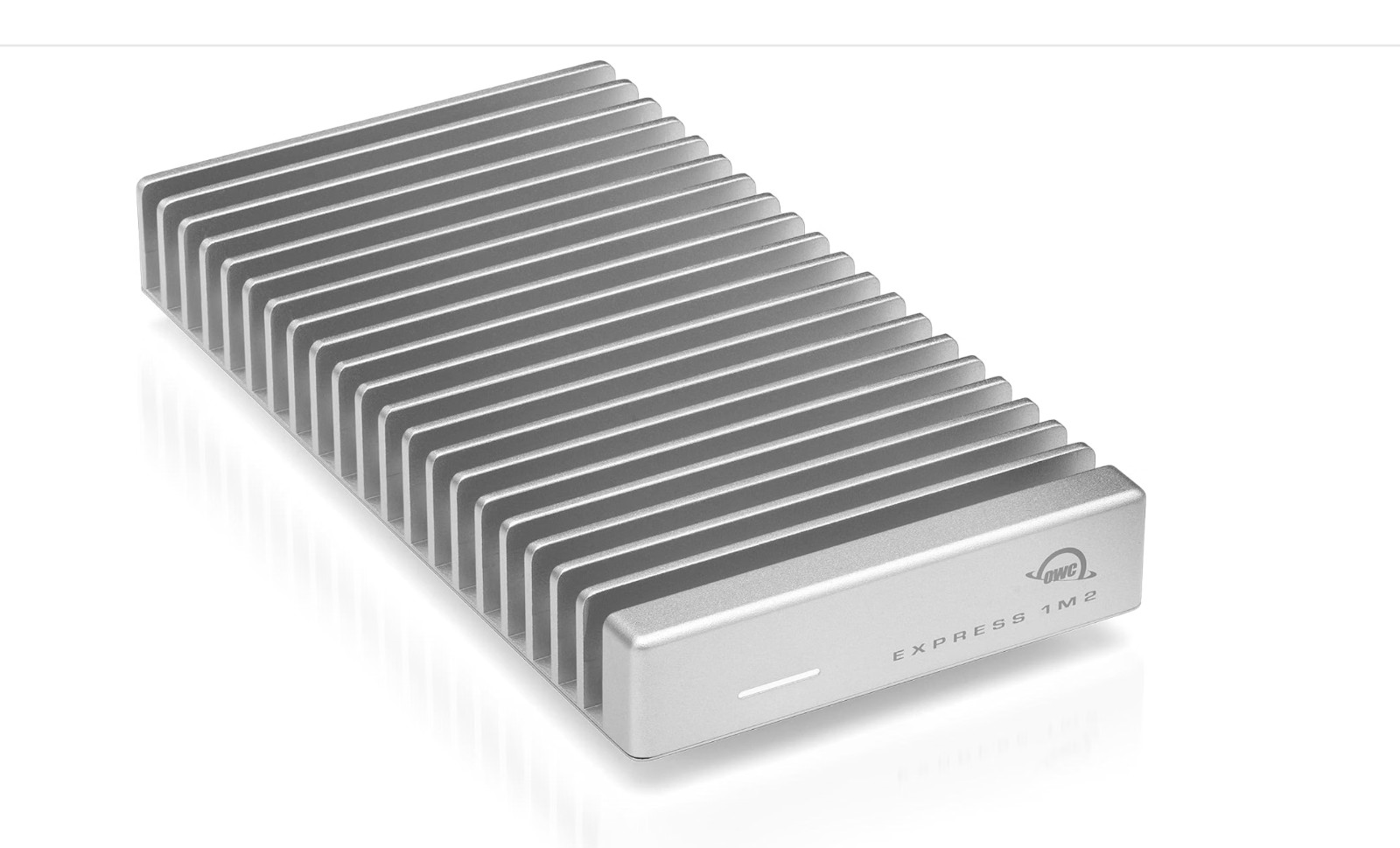
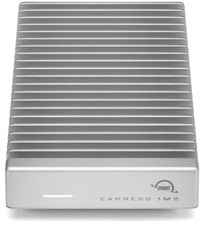
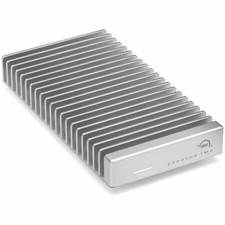
OWC Express 1M2 NVMe SSD Enclosure
40Gb/s USB4 USB-C Cable
Assembly Screwdriver
Assembly Manual and User Guide
Model: OWCUS4EXP1M2
ENCLOSURE ONLY. NO SSD INCLUDED.
Please confirm compatibility before purchasing. Thank you!