PLEASE READ CAREFULLY BEFORE PURCHASING
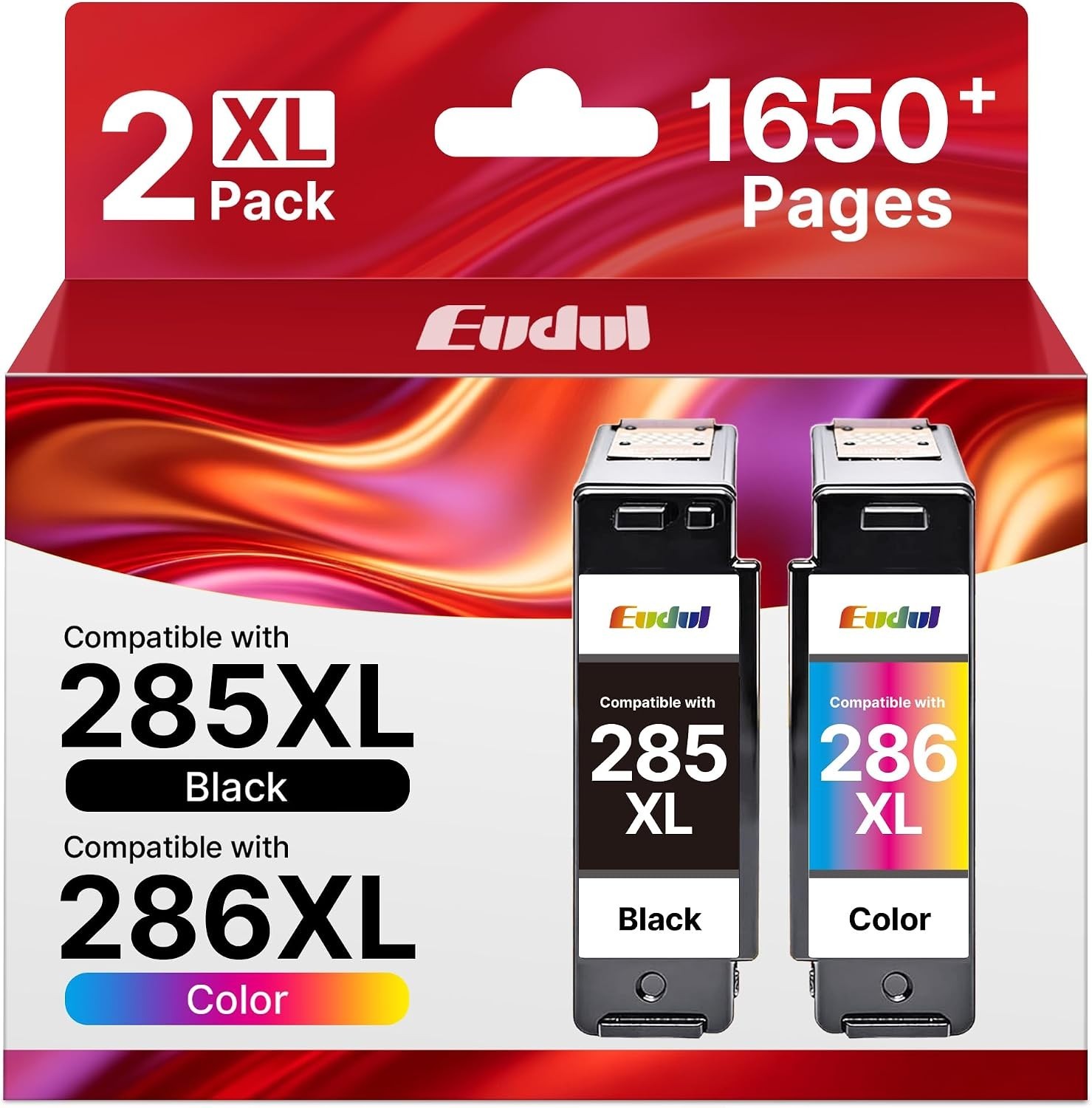
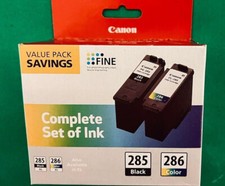
Eudul PG-285XL Black & CL-286XL Tri-Color Compatible Ink Cartridges – 2 Pack
Keep your compatible Canon PIXMA printer ready for everyday printing with this Eudul XL high-yield ink cartridge combo pack. Designed for documents, school assignments, reports, photos, and colorful projects, this set provides a cost-effective alternative to original Canon ink.
THIS LISTING INCLUDES ONE BLACK CARTRIDGE AND ONE TRI-COLOR CARTRIDGE.
PACKAGE INCLUDES
• (1) Compatible PG-285XL Black Ink Cartridge
• (1) Compatible CL-286XL Tri-Color Ink Cartridge
• (1) User Guide
• Total: 2 ink cartridges
APPROX. PAGE YIELD
• Black: Up to approximately 900 pages
• Tri-Color: Up to approximately 750 pages
Page yields are supplier estimates based on approximately 5% coverage on A4 paper. Actual yield may vary depending on page coverage, printer settings, cleaning cycles, and usage.
COMPATIBLE PRINTERS
For the following Canon PIXMA printers:
• PIXMA TS7720
• PIXMA TS7722
• PIXMA TR7820
Please verify your printer’s exact model and required cartridge numbers before purchasing.
PRODUCT FEATURES
• XL high-yield black and tri-color ink cartridge set
• Black ink for crisp text and everyday documents
• Tri-color ink for colorful graphics, photos, and projects
• Equipped with replacement chips designed for recognition by compatible printers
• Compatible, NON-OEM alternative to original Canon cartridges
• Brand: Eudul
SHIPPING
• Fast & FREE shipping
• Each item is inspected before shipping
• Ships within 2 business days
• Shipped via USPS with tracking
RETURNS
• 14-day money-back guarantee if the item is defective or not as described
• Item must be returned to receive a refund
• Buyer is responsible for return shipping
• If your printer displays an error, please contact us and provide a clear photo of the error message or code so we can assist
IMPORTANT
• These are compatible, NON-OEM ink cartridges. They are not manufactured by Canon.
• Recommended for advanced printer users familiar with installing and troubleshooting compatible cartridges.
• Some printers may not recognize compatible cartridges immediately. Printer firmware and software updates may affect cartridge recognition.
• Your printer’s automatic update function may need to be disabled.
• If a cartridge is not recognized, turn the printer off, disconnect power briefly, reconnect, and carefully remove and reseat the cartridges.
• Remove all protective tape and packaging as directed before installation.
• Stock/manufacturer images may be used. Actual packaging may vary.
• Canon and PIXMA names are used only to identify compatibility.
By purchasing this item, you acknowledge that these are compatible, NON-OEM ink cartridges and that you have verified your printer model, cartridge requirements, and the information above.