 When you click on links to various merchants on this site and make a purchase, this can result in this site earning a commission. Affiliate programs and affiliations include, but are not limited to, the eBay Partner Network. When you click on links to various merchants on this site and make a purchase, this can result in this site earning a commission. Affiliate programs and affiliations include, but are not limited to, the eBay Partner Network.
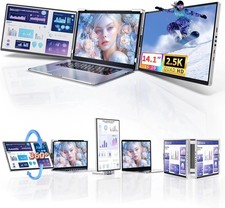
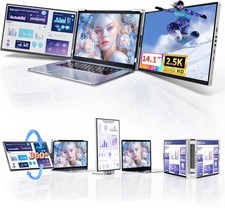
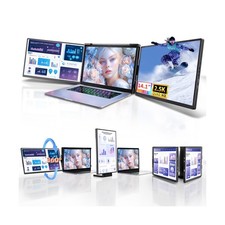
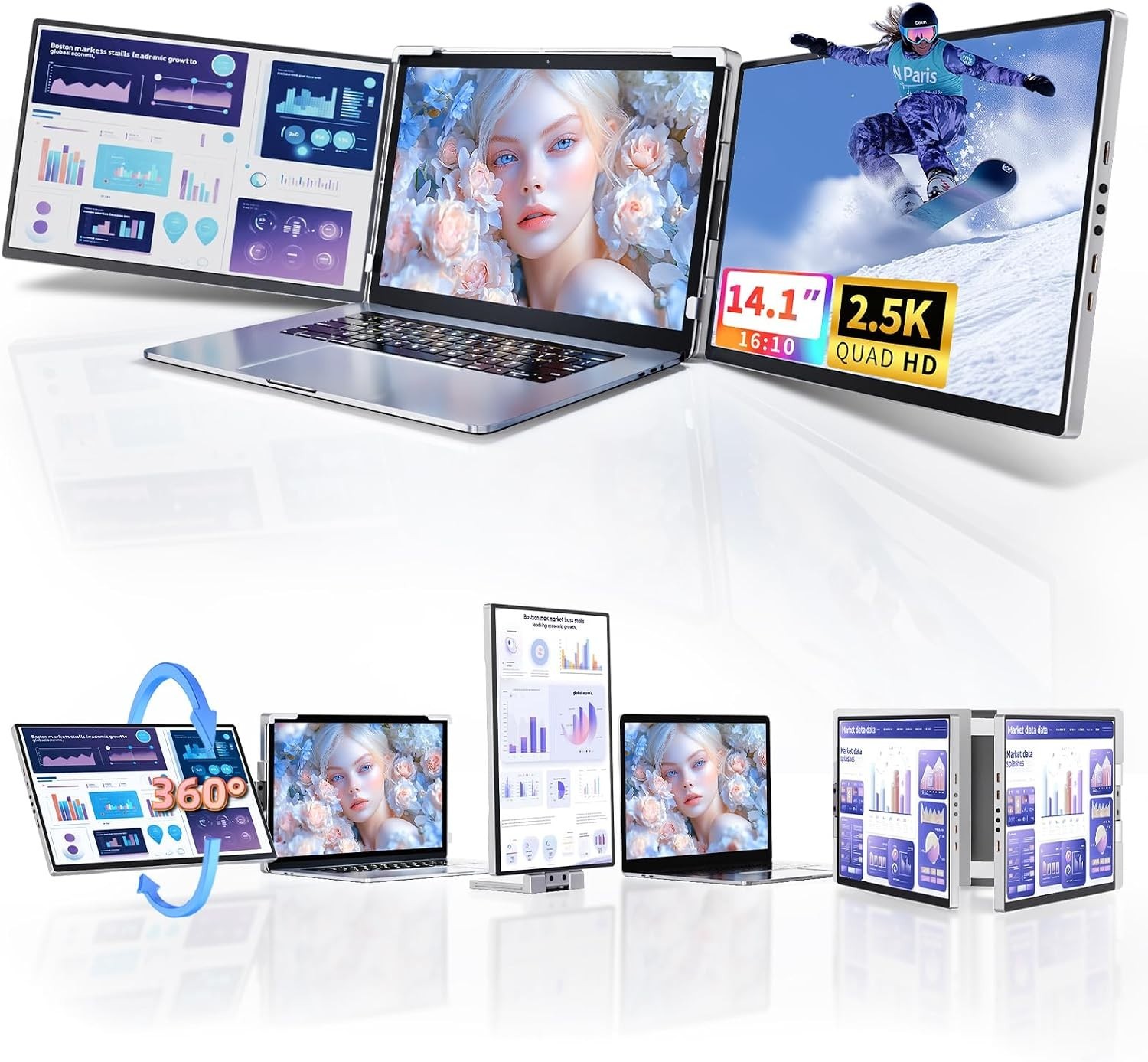
About This Item: - 2.5K Resolution for Sharp, Detailed Visuals: The Pitycbo triple laptop screen extender features 2.5K resolution on each side screen, delivering enhanced clarity and detail compared to standard 1080p displays. Enjoy vibrant colors, crisp images, and a more immersive viewing experience for work, entertainment, and everyday tasks.
- Plug-and-Play Setup and Wide Compatibility: Compatible with a wide range of devices, including Windows, macOS, Chrome OS, and Linux laptops, as well as phones and tablets that support desktop mode and gaming consoles such as Nintendo Switch, PlayStation, and Xbox. Most compatible devices support plug-and-play operation without requiring additional drivers. Note: MacBooks with M1, M2, or M3 chips and older Windows systems without full Type-C functionality may require driver installation.
- Triple-Screen Setup for Enhanced Productivity: Expand your workspace with dual or triple-screen functionality, making multitasking easier and reducing the need to switch between applications. Choose from extended, mirrored, or portrait display modes to suit your workflow. Ideal for remote workers, programmers, designers, stock traders, and professionals who need additional screen space.
- 360° Rotation and Flexible Viewing Angles: Adjust your displays to suit your preferences with 360° vertical rotation and 210° horizontal rotation. Easily switch between landscape and portrait orientations for coding, gaming, watching videos, or handling work tasks. The detachable vertical screen offers additional flexibility for mobile use.
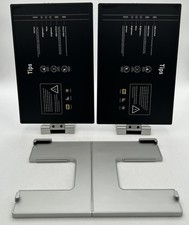
- Portable Design for Work and Travel: Designed for convenience, the screen extender folds for easy storage and transportation and includes a carrying bag. Take it to meetings, the office, or while traveling to create a more productive workspace wherever you go. Its straightforward setup makes it easy to expand your screen space in different environments.
- Customer Support and Easy Setup: If you need assistance with installation, connectivity, or device compatibility, contact the customer support team for help. When using the triple-screen monitor for the first time, allow approximately one minute for the device to initialize and respond.
 |
|