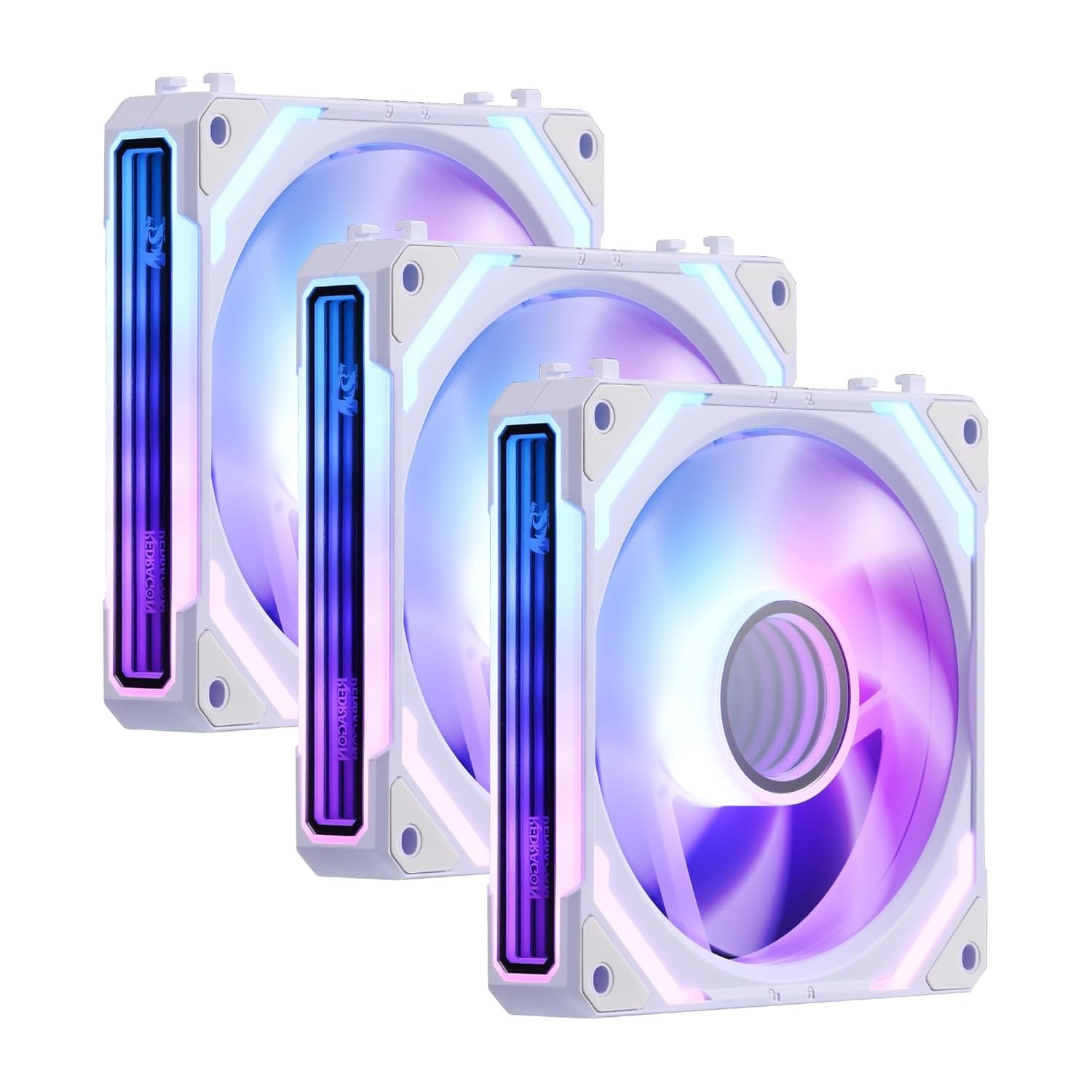
Regarding the issues with fan lights not turning on or color not changing:
1.Primary Cause: Insufficient power supply due to daisy-chained cables
Most motherboards only have one or two RGB headers. If your case is fully equipped with 10 or more fans daisy-chained together, it is highly likely that the power supply is insufficient.
Suggested Solutions:
1)Connect the fan’s 3-pin power cable to other available headers on the motherboard.
2)Use the fan individually (not daisy-chained) to see if it works properly.
3)Purchase a hub to supply power to the fans directly from the PSU.
2. Cause: The motherboard's lighting control software is not installed or not properly configured
Suggested Solutions: Each motherboard brand has its own RGB control software, please make sure the correct software is installed and the fan lighting is configured properly.
1)ASUS motherboard: Aura Sync
2)MSI motherboard: MSI Center
3)GIGABYTE motherboard: RGB Fusion
3. Cause: Hardware-related issue on individual fan components
Suggested Solutions:
1)Connect the fan’s 3-pin power cable to a different header on the motherboard.
2)If using a controller, make sure the lighting switch on the controller is turned on.
3)Test the non-functioning fan individually to determine if the issue is with the fan itself.
For the noise issue with the fan, please take a check:
1. Cause: Foreign objects such as cables or dust interfering with the fan blades. Suggested Solutions: Check if any cables, dust, or other debris are obstructing the fan blades.
2. Cause: The fan may create noise due to resonance with the PC case at high speeds. Suggested Solutions: Please test the fan outside the case to see if the noise persists.
3. Cause: Noise caused by deformed fan blades hitting the frame. Suggested Solutions: Check if any fan blades are bent or cracked, and inspect the inner frame for scratches.