Samsung Galaxy S22+ Plus 5G - Dark Theme Listing StarTech USB 3.0/eSATA 1:1 SATA Duplicator Dock (model SDOCK2U33RE)
✨DESCRIPTION
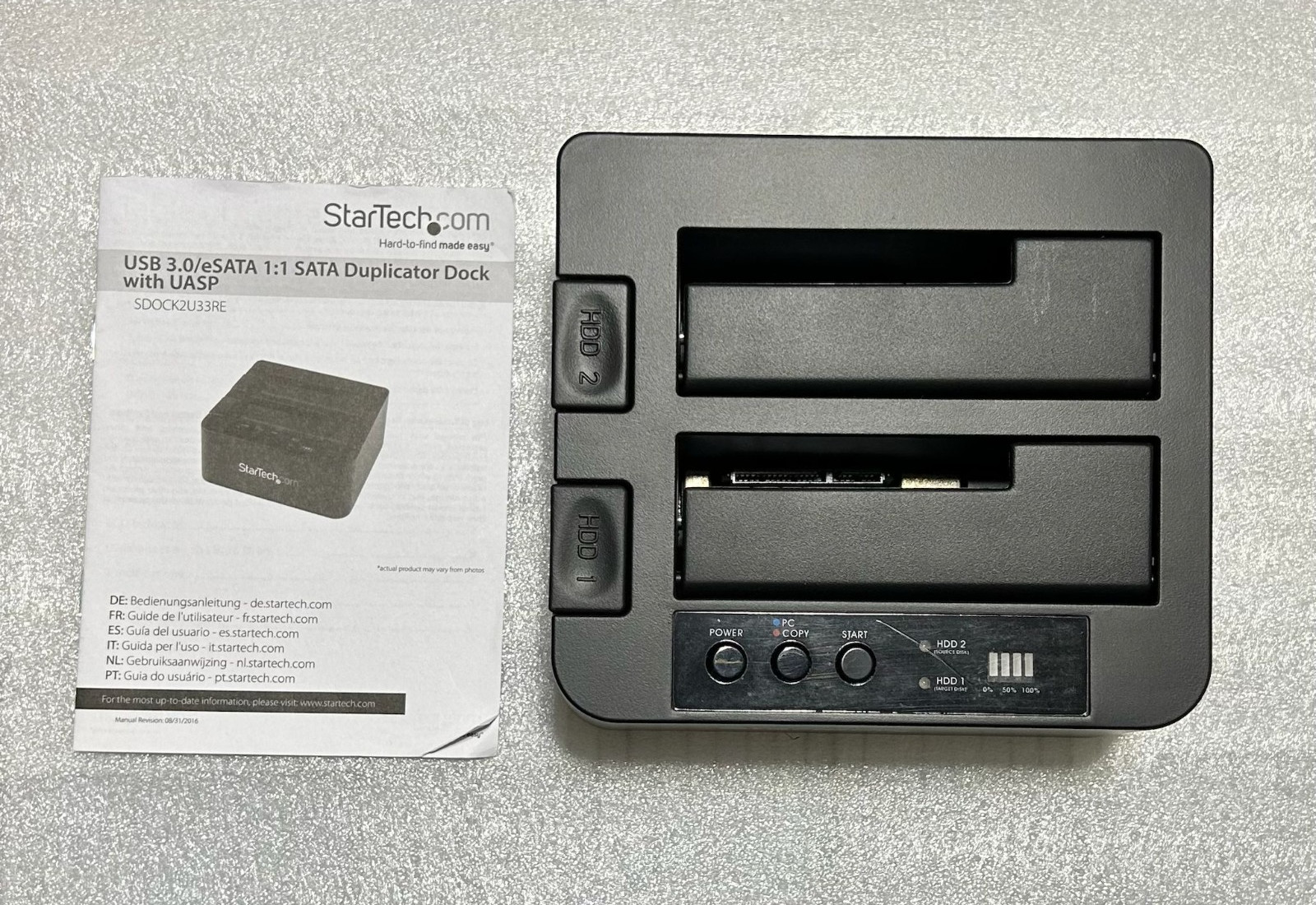
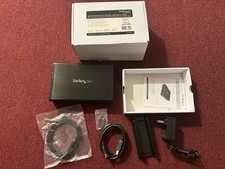
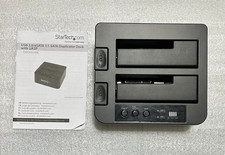
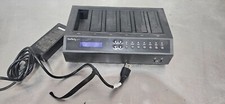
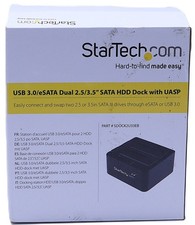
The device in the image is a StarTech.com SDOCK2U33RE,a standalone dual-bay hard drive duplicator and docking station. It allows youto create an exact sector-by-sector clone of a hard drive without needing acomputer.
✨ Quick Start Guide for Cloning (Standalone Mode)
To clone a drive, ensure the device is not connected to acomputer via USB or eSATA. [1]
- Insert Drives:
- Source Drive: Place the drive you want to copy FROM into the HDD 2 slot.
- Destination Drive: Place the drive you want to copy TO into the HDD 1 slot.
- Note: The destination drive must have a capacity equal to or greater than the source drive.
- Power On: Press the Power button on top of the dock.
- Set Mode: Press and hold the PC/Copy Mode button for approximately 3 seconds until the mode LED turns red.
- Wait for Ready: Wait for both HDD 1 and HDD 2 LEDs to turn solid blue (this may take up to 10 seconds).
- Start Cloning: Press the Start button to begin.
- The progress bar LEDs (25%, 50%, 75%, 100%) will blink to indicate progress.
- Once all LEDs are solid, the process is complete.
✨Key Features
Dual Function:Functions as a standard external docking station when connected to a hostcomputer.
Performance:Supports duplication speeds up to 22GB per minute and is compatible withboth 2.5" and 3.5" SATA HDD/SSDs.
Standalone:Requires no software to clone drives .
✅SHIPPING AND SUPPORT
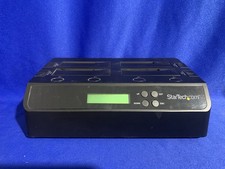
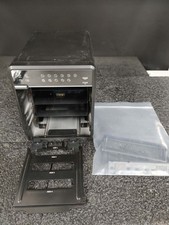
*Exact pictures are attached.*
✅ Policies Payments
- We accept via all payment methods.
Returns & Refunds
- All items are marked with a UV marker for authenticity checks.
- Sold As Is with no warranty.
Shipping
- Items shipped within 2 business day of purchase.
- Delivery 3-5 business days (no expedited shipping available).
- If item arrives damaged, contact us within 24 hours with pictures via messages.