DevPurple - Ultimate MuseScore Pack DEVPURPLE
Premium Software Collections
ULTIMATE MUSESCORE PACK
MuseScore Studio, the open source music notation program, in every package the MuseScore project publishes for Windows, macOS and Linux, with both of the MuseScore project's own handbooks and the complete source code, on one disc or drive.
MuseScore Studio writes music on the page. Notes go in from the mouse, the computer keyboard, a MIDI keyboard or an imported file, and the program lays the score out as you work, with the instruments, staves and systems your ensemble needs. Playback follows the tempo, dynamics and articulation markings in the score, and the mixer switches between the sounds the program carries, a SoundFont of your own and the larger libraries the MuseScore project publishes. Guitar tablature, percussion notation, fingering, harp pedalling and keyboard fingerings are all covered, and a finished score exports as PDF, as an image, as MusicXML or MIDI, or as audio.
What You Can Do With It
- Write a score: put notes in with the mouse, the computer keyboard, a MIDI keyboard or an imported file, and the music is laid out on the page as you go.
- Notate any ensemble: solo, chamber group, choir, wind band, orchestra or big band, with the instruments, staves and systems each one needs.
- Hear it as you write: playback follows the tempo, dynamics and articulation markings, and the mixer switches between the sounds the program carries, a SoundFont of your own and the larger libraries.
- Use instrument voices: VST instruments and VST effects load into the mixer, so a score can be played through a sample library you already own.
- Write for guitar, drums and keyboard: tablature, percussion notation and a drumline, plus fingering, harp pedalling and keyboard fingerings.
- Add the words: lyrics, chord symbols, repeat markings, dynamics, tempo text and expressive markings are all formattable objects.
- Print what you see: export a finished score as PDF, an image, MusicXML, MIDI or audio, and export the individual parts of a full score.
- Write for braille readers: the braille panel shows the current measure in braille music notation, notes can be entered with Perkins-style six-key input, and the panel can drive a braille display.
- Work offline: nothing about writing, playing back, saving or printing a score needs a connection.
- Read the handbook in the pack: the manual for the line you installed is on the media as a PDF, with nothing to fetch afterwards.
The Packages In This Pack
- The current stable release, in every form: the Windows installer, the Windows portable build, the universal macOS image, the AppImage for 64-bit Intel and AMD Linux, the AppImage for ARM64 Linux, and the complete source archive.
- The earlier line as well: the last release of the 3 line, as a 32-bit Windows installer, a 64-bit Windows installer, a Windows portable build, a macOS image and a Linux AppImage.
- Both handbooks, as PDFs: one written for the current line and one written for the 3 line, taken from the MuseScore project's own pages.
- The complete source code for both lines, so the programs can be rebuilt, studied or carried forward, which is what the GNU General Public License requires and allows.
- Nothing that needs a companion application: the Windows installer here is the standalone one, so nothing has to be fetched or signed in to before the program runs.
What You Can Do With It
- Write a score: put notes in with the mouse, the computer keyboard, a MIDI keyboard or an imported file, and the music is laid out on the page as you go.
- Notate any ensemble: solo, chamber group, choir, wind band, orchestra or big band, with the instruments, staves and systems each one needs.
- Hear it as you write: playback follows the tempo, dynamics and articulation markings, and the mixer switches between the sounds the program carries, a SoundFont of your own and the larger libraries.
- Use instrument voices: VST instruments and VST effects load into the mixer on Windows and macOS, so a score can be played through a sample library you already own.
- Write for guitar, drums and keyboard: tablature, percussion notation and a drumline, plus fingering, harp pedalling and keyboard fingerings.
- Add the words: lyrics, chord symbols, repeat markings, dynamics, tempo text and expressive markings are all formattable objects.
- Print what you see: export a finished score as PDF, an image, MusicXML, MIDI or audio, and export the individual parts of a full score.
- Write for braille readers: the braille panel shows the current measure in braille music notation, notes can be entered with Perkins-style six-key input, and the panel can drive a braille display.
- Work offline: nothing about writing, playing back, saving or printing a score needs a connection.
- Read the handbook in the pack: the manual for the line you installed is on the media as a PDF, with nothing to fetch afterwards.
Which Package Fits Which Computer
- Windows 10 or 11, 64-bit: This is the one most people want, and the MuseScore project states Windows 10 or higher for it.
- Windows 10 or 11, without installing: the portable build, which runs from the folder it is unpacked into.
- Windows 7, 8 or 8.1, 64-bit: MuseScore-3.6.2.548021803-x86_64.msi. The MuseScore project's download page lists its 3.0 to 3.6.2 line for Windows 7 and above.
- 32-bit Windows: MuseScore-3.6.2.548021803-x86.msi, with MuseScore-3.6.2.548021803-x86.paf.exe beside it as the portable build. This is the last release the MuseScore project built for a 32-bit Windows.
- Mac: MuseScore-Studio-4.7.5.260831071.dmg, which is a universal image holding a native Apple Silicon build and a native Intel build, or MuseScore-3.6.2.548020600.dmg for an older Mac.
- Linux: on Intel or AMD, on ARM64, or from the 3 line.
- Source code: MuseScore-4.7.5.tar.gz and MuseScore-3.6.2.tar.gz.
The Two Handbooks On The Media
- The MuseScore 4 Handbook, 297 pages as a PDF, covering the current line from the first note through notation, layout, text, file management, playback and export.
- The MuseScore 3 Handbook, 294 pages as a PDF, covering the 3 line that this pack also carries.
- Both are the MuseScore project's own handbooks, taken from the MuseScore project's pages and laid out as one book each, with the illustrations that go with them.
- Readable on any device, and readable with no internet connection.
System Requirements
- Operating system: Windows 10 or higher for MuseScore Studio 4.7.5, Windows 7 or higher for MuseScore 3.6.2, macOS 11 Big Sur or higher for the current macOS image, macOS 10.10 or higher for the MuseScore 3.6.2 image, or a modern 64-bit Linux distribution with fuse2 installed to run an AppImage.
- Processor: four cores, with eight recommended by the MuseScore project.
- Memory: 8 GB, with 16 GB recommended by the MuseScore project.
- Disk space: 500 MB of free disk space is the MuseScore project's minimum, and 15 GB if the larger sound libraries are added later. The Windows installs use about 415 MB for MuseScore Studio 4.7.5 and about 263 MB or 299 MB for the two MuseScore 3.6.2 builds.
- Display: 1280 by 720 pixels or larger, or a scaled equivalent.
- Administrator rights: needed to run the Windows installers. The portable builds, the macOS images and the Linux AppImages need none.
- No internet connection needed to install the program, to run it, or to read the handbooks on the media.
The figures above are the ones the MuseScore project publishes for this release.
What's Included
- One Physical Media: Your choice of a Premium USB Drive or DVD, pre-loaded with the complete pack
- Windows 10 and 11, 64-bit: the official standalone installer for the current stable release, which needs no companion application
- Windows, no installation: the official portable build of the same release
- Windows 7, 8 or 8.1: the official 64-bit installer for the last release of the 3 line, with the 32-bit installer for a 32-bit Windows beside it
- Windows, no installation, 32-bit: the official portable build for the 3 line
- Mac: the official universal disk image for the current release, native for an Apple Silicon Mac and for an Intel Mac, plus the disk image for the 3 line
- Linux: the official AppImages for 64-bit Intel and AMD and for ARM64, plus the AppImage for the 3 line
- The complete source code: the source archive for the current line and for the 3 line
- Two Handbooks: the MuseScore project's own 297 page handbook for the current line and its 294 page handbook for the 3 line, as PDFs
- Setup Notes: a Read Me covering which package to pick, how to check which Windows or Mac you have, and what to expect on the first run
Shipping & Delivery
- Fast Processing: Orders typically ship within 1-2 business days
- Tracked Shipping: Delivery confirmation included on all orders
- Secure Packaging: Your disc or drive arrives protected and ready to use
- Worldwide Shipping Available: Check listing for rates and estimated delivery times
Satisfaction Guarantee
If there is an issue with your order, contact us and we will make it right (including replacements for defective media).
Why Buy From Dev Purple? Three Systems Covered
Windows, macOS and Linux, with the correct build supplied for each, including a universal Mac image that is native on both processors and an AppImage for each Linux processor family.
An Older Windows And A 32-Bit Machine Covered Too
The current release asks for Windows 10 or higher, so the last release of the 3 line travels beside it, and that line is the one with a 32-bit installer. A machine that runs Windows 7 or Windows 8.1 has something here that runs on it.
Both Handbooks, Included
The MuseScore project's own handbooks travel on the media as PDFs, 297 pages for the current line and 294 pages for the 3 line, readable on any device with nothing to fetch afterwards.
Official Releases, Unmodified
Every installer, disk image, AppImage and source archive here is the official release from the MuseScore project, taken from its own download pages and release pages.
No Subscription
MuseScore Studio is open source under the GNU General Public License version 3, and the 3 line under version 2, with no monthly fee, no product key and no expiry. The source code for both lines is included as well.
The Standalone Installer
The Windows installer on the media is the one the MuseScore project publishes without its hub application, so nothing has to be installed or signed in to first. The installer, the program and the handbook are all on the disc or drive.
Compliance
This listing complies with 's software policy. This is a lawful compilation of redistributable software. No paid, commercial, or copyrighted software is included. Every program fits one of these categories:
- GPL licensed: MuseScore Studio is released under the GNU General Public License version 3 and the 3 line under version 2, each as stated in the license file that ships with that release. Those licenses explicitly grant anyone the right to copy, distribute, and redistribute the software in any medium, provided the license terms are preserved. This is a core feature of copyleft licensing. The MuseScore project also publishes the source code for both releases, and that source code is included on the media.
- Official releases, unmodified: Every file on the media is the official release as published by the MuseScore project, unchanged. Nothing has been patched, cracked, or rebuilt, and no activation, serial or registration step has been added.
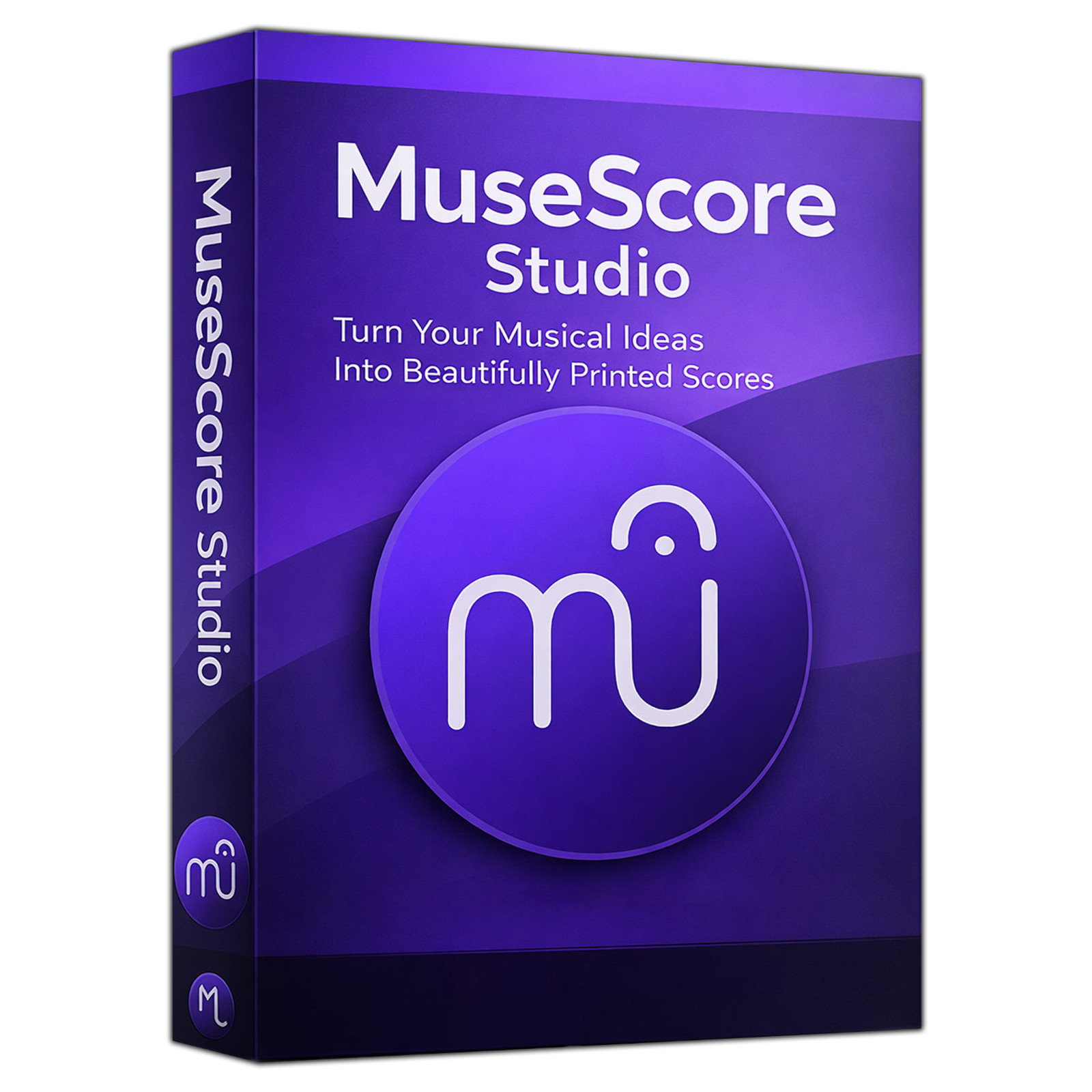
The MuseScore name is used here to refer to MuseScore Studio itself. This pack is an independent compilation and is not endorsed by or affiliated with the MuseScore project. The software box shown in any product images is a display image only and is not included. You receive the media only.
's Verified Rights Owner (VeRO) program targets listings that infringe intellectual property. This listing does not fall into that category because the licenses already authorize the copying and redistribution being done here. Buyers receive only the rights the original licenses grant.
Frequently Asked Questions
How is this item delivered?
This is a physical item (USB drive or DVD) that will be shipped to you. Choose your format when you order.
Which package should I install?
On 64-bit Windows 10 or 11, use If you would rather not install anything, use the portable build with the same name that ends in .paf.exe. On Windows 7, Windows 8, Windows 8.1 or a 32-bit copy of Windows, use MuseScore-3.6.2.548021803-x86_64.msi, or MuseScore-3.6.2.548021803-x86.msi on a 32-bit machine, because the current release asks for Windows 10 or higher and is 64-bit only. The Read Me on the media repeats this list and tells you how to check which Windows you have.
Does this work on a Mac?
Yes. The current release ships as one universal disk image holding a native Apple Silicon build and a native Intel build, so the correct one is used whichever processor your Mac has; the MuseScore project states macOS 11 Big Sur or higher for it. For an older Mac there is the disk image from the 3 line, an Intel build that runs on an Apple Silicon Mac through Rosetta 2. On its download page the MuseScore project lists the whole 3.0 to 3.6.2 line as macOS 10.7 or higher, while the image in this pack records macOS 10.10, so both figures are given here. To check which Mac you have, open the Apple menu and choose About This Mac: a Chip line means Apple Silicon and a Processor line means Intel.
Are the handbooks included?
Yes. Both of the MuseScore project's own handbooks travel on the media as PDFs: 297 pages for the current line and 294 pages for the 3 line. Nothing has to be fetched afterwards.
Do the larger sound libraries come with it?
The MuseScore project publishes them as a separate download, installed through its hub application, and they are not on the media. The program plays a score with the sounds it carries, and the mixer can use a SoundFont or a VST instrument of your own instead.
Does this software need a product key or activation?
No. MuseScore Studio is open source released under the GNU General Public License version 3, and the 3 line under version 2, so there is no product key, no activation step, no registration, and no account.
Is this a portable program?
On Windows it can be. Each line ships with a portable build beside its installer, and the portable build runs from the folder it is unpacked into. On Linux the AppImage runs from the folder with nothing installed and needs no root password. On macOS you drag the program from the disk image into your Applications folder.
Will a score written in the 3 line open in the current release?
Yes, and the MuseScore project states plainly that a score opened in the current line from an earlier version will not look identical, because the engraving and the spacing have changed. The handbook for the current line has a chapter on moving work across.
Where are my scores and settings kept?
Scores are saved as files in a folder you choose, in the program's own format, with MusicXML and MIDI also available for handing work to another program. The program keeps its settings in a folder of its own in your user directory, and the Read Me on the media gives the location for each system.
Do I need to copy the pack to my computer first?
For DVD orders, copy the pack folder to your computer (for example, your Desktop) first, then run the installer from there. DVDs have much slower read speeds than USB drives, and an install run directly from the disc will be slow.
Important Notes
- This is a PHYSICAL ITEM (USB DRIVE OR DVD) that will be shipped to you. Choose your format when you order.
- Windows, macOS and Linux are all covered, with a universal Mac image that is native on both processors and an AppImage for each Linux processor family.
- Two release lines are on the media, so a machine on Windows 7, Windows 8.1 or 32-bit Windows is covered as well as a current one.
- The Windows installers need administrator rights. The portable builds, the macOS images and the Linux AppImages need none.
- The larger sound libraries are a separate download from the MuseScore project and are not on the media. The program plays a score with the sounds it carries.
- Contact us with any questions before or after your purchase.
Thanks for Shopping with DevPurple!
Your premium software collection is here.
© 2026 DevPurple. All rights reserved.