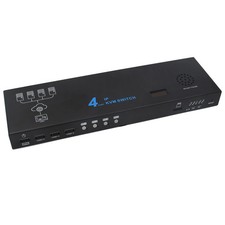
PiKVM ATX Power Control Board Remote Computer Control Module RJ45 Port StatusLEDItem DescriptionProduct Features:
1. Supports remote control, enabling remote power on/off
2. Features dual on-board 2.54mm pin headers; the parallel design is compatible with mainstream ATX motherboards
3. RJ45 Gigabit Ethernet port connects to the PiKVM expansion board, ensuring stable, low-latency communication
4. Integrated status indicator lights provide a clear overview of operational status
5. Easy to use; simply plug in and assemble to get startedProduct Description:
The PiKVM ATX Power Board serves as a component of the PiKVM remote management system, enabling control of the target computer’s power (PWR) and reset (RST) functions, whilst displaying the status of the PWR and HDD indicator lights. It must be used in conjunction with the PiKVM expansion board, connected via a Category 6 Gigabit Ethernet cable.Performance and Features:
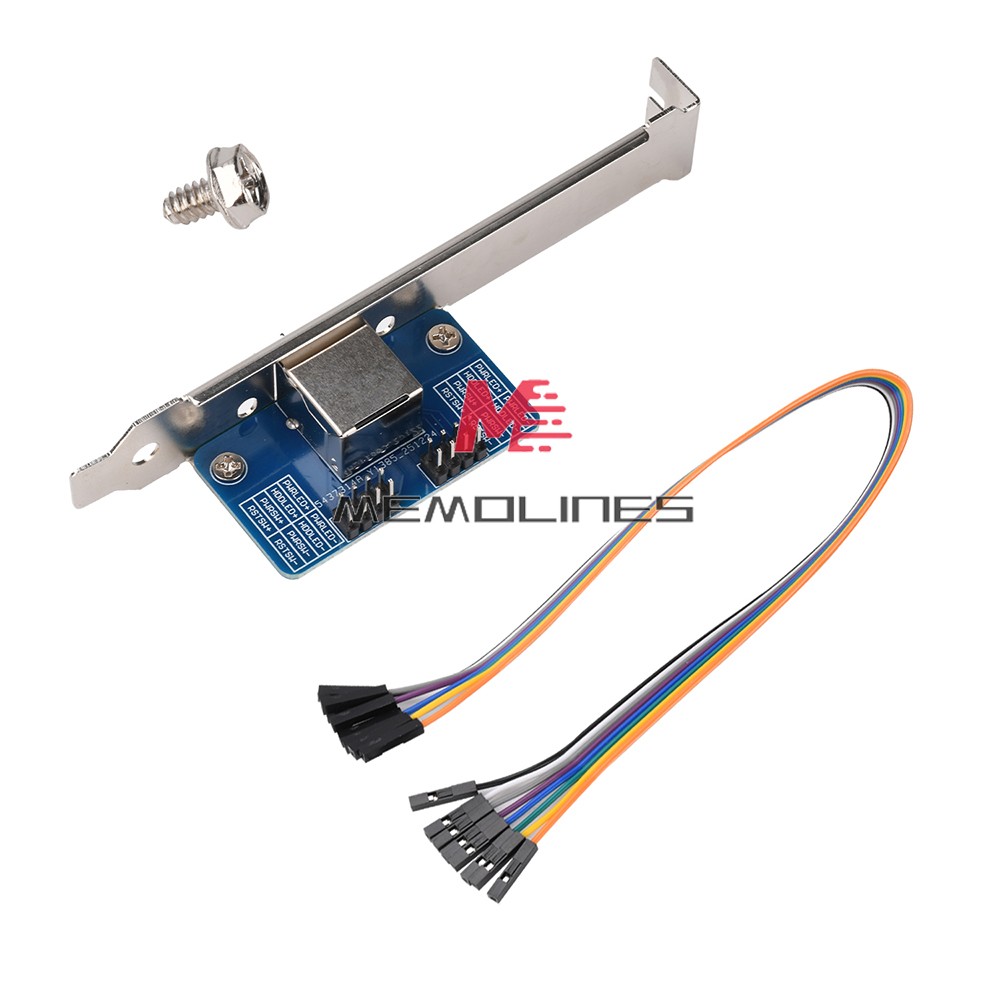
On-board 8-pin RJ45 port, connected to the ATX port on the PiKVM expansion board via a Category 6 Gigabit Ethernet cable
Equipped with a full-height 4U PCIe bracket
Supplied with a 2.54mm 8-pin DuPont cable for connection to the computer motherboard
On-board 2 x 2.54mm 2×4-pin header connectors
Includes status interfaces for PWR (power), RST (reset), PWR indicator light and HDD indicator light; the two interfaces are in parallel
ATX power control RJ45 port: Connect to the PiKVM expansion board using a Category 6 Gigabit Ethernet cable
ATX power control 2.54mm 2x4-pin header: The two channels are in parallel (although there are two channels, it is recommended to use them to control only one computer)
PCB dimensions: 49mm x 28mmInstructions:
Assembling the PiKVM ATX Power Board
● Secure the ATX power board onto the PCIe slot of the controlled computer
● Use an 8-pin 2.54mm DuPont cable to connect the ATX power board to the power and LED interfaces on the controlled computer’s motherboardNote: The LED polarity must be correct, but the PWR and RST buttons are non-polarised and can be connected in either direction!Product Contents:
PiKVM ATX Power Board for Remote Computer Control x1
2.54mm-8P DuPont cable x1
Screw x1
- Payment Mathod
- Returns Mathod
1. Customer satisfaction is our top goal. We believe our items are so outstanding. All products are quality checked. They are new and in good condition when shipped to our customers. We are convinced you will be happy with your Purchase.
2. If product is defective or damage upon arrival, or wrong product shipped, please contact us immediately. Returns accepted within 14 days of delivery date and item must be in original new condition, not worn or altered in any way with attached tags & wrap. Otherwise deal is final. Return shipping must be paid by buyer.
3. Please contact us first if you have any problems/questions/concerns. We will be happy to resolve any issues you may have in a cordial and friendly manner.
4. We appreciate your Postive response, and will do the same in return. DO NOT leave negative response without first communication with us. Ple
Returns Policy1. Customer satisfaction is our top goal. We believe our items are so outstanding. All products are quality checked. They are new and in good condition when shipped to our customers. We are convinced you will be happy with your Purchase.
2. If product is defective or damage upon arrival, or wrong product shipped, please contact us immediately. Returns accepted within 14 days of delivery date and item must be in original new condition, not worn or altered in any way with attached tags & wrap. Otherwise deal is final. Return shipping must be paid by buyer.
3. Please contact us first if you have any problems/questions/concerns. We will be happy to resolve any issues you may have in a cordial and friendly manner.
4. We appreciate your Postive response, and will do the same in return. DO NOT leave negative response without first communication
responseWhen you satisfied with our product and services please leave us positive response.
If a problem occurs, contact us immediately with any email request. Just contact us using the " Ask the seller a question" link on .We will maill bakc within 24hours