C4 Client Onboarding System - a structured first 90 days
For services agencies, B2B SaaS customer success teams and solo consultants who want every new client onboarded the same structured way.
⚡ Instant electronic delivery🧩 Notion + Airtable + Google Sheets📘 20-page PDF setup guide✅ 7-stage onboarding checklist
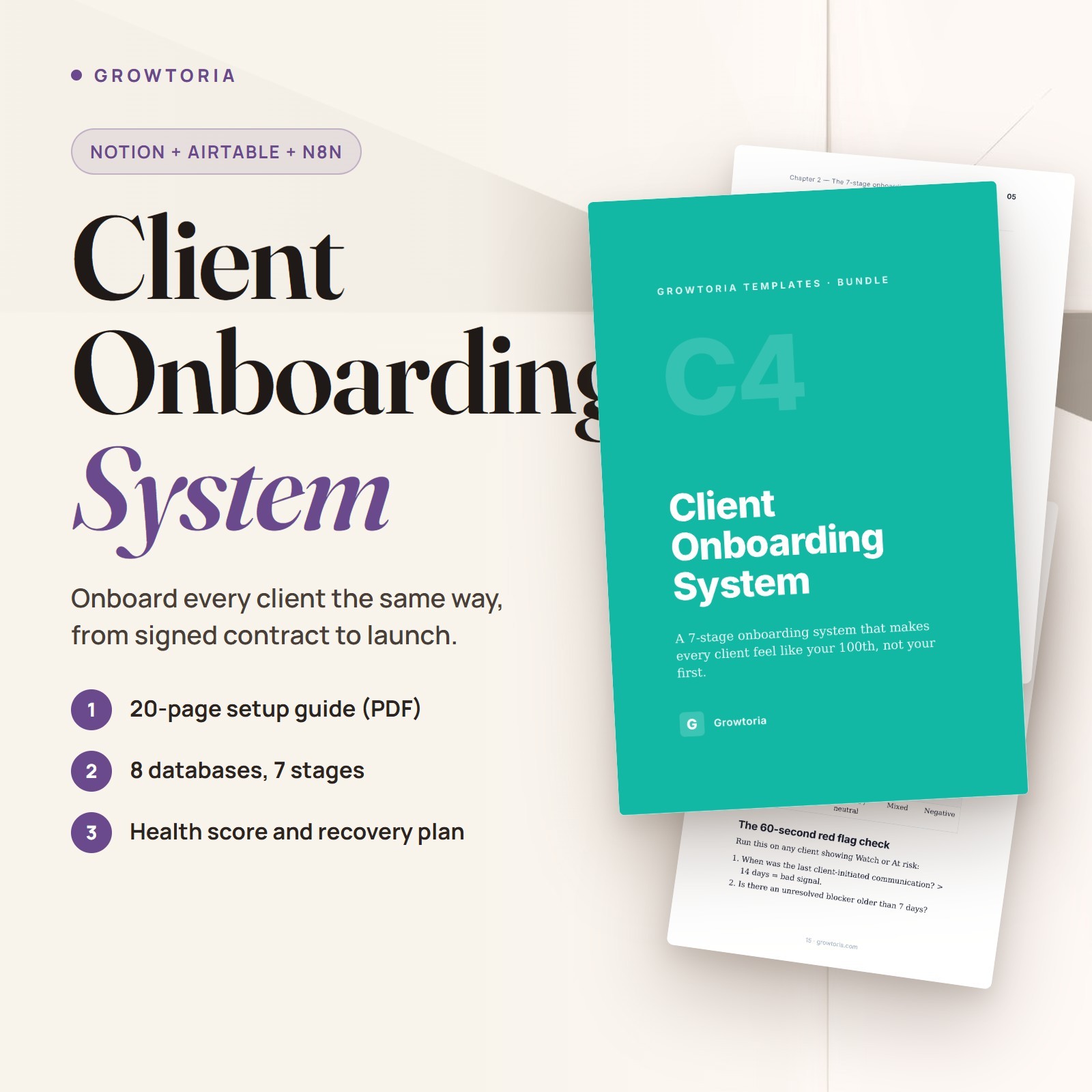
C4 Client Onboarding System is a client onboarding template delivered as a ZIP of 14 files: a Notion Markdown import for 8 linked databases, an Airtable schema reference (JSON) and a Google Sheets version (CSV with sample rows). It follows a 7-stage framework - Welcome, Kickoff, Discovery, Planning, Implementation, Launch, Review - with a stage task checklist and a client health score, for services agencies, B2B SaaS customer success teams and solo consultants. A 20-page PDF setup guide, 8 written automation recipes, 3 adaptation guides and 4 SVG illustrations are included.
What you can do🗂️8 Linked DatabasesClients, Contacts, Onboarding tasks, Documents, Meetings, Communications, Deliverables and Milestones - once wired, one client view shows every task, document and touchpoint.✅7-Stage Task ChecklistA master set of 4-6 tasks per stage that you duplicate for each new client, so steps don't get forgotten.🚦Client Health ScoringHealthy, Watch, At risk or Unknown - set by hand, or recomputed nightly once you build the matching recipe - to flag at-risk accounts early.📝Ready-to-Send TemplatesThe guide includes welcome message, kickoff agenda and weekly status templates, plus a recovery playbook and an off-boarding checklist.How it works
- Read the setup guide Unzip the file, then open the README and the 20-page setup guide (PDF).
- Build the system Paste the Notion Markdown import and wire the relations, build the base in Airtable from the schema, or use the Google Sheets CSV.
- Onboard your next client Duplicate the 7-stage task checklist for the new client and send the welcome, kickoff and weekly status templates from the guide.
What's included
- ✔️ 1 ZIP file containing 14 files
- ✔️ Notion Markdown import (.md) - 8-database scaffold
- ✔️ Airtable schema reference (.json) - all 8 tables, built by hand
- ✔️ Google Sheets version (.csv) - 5 stacked sections with sample rows
- ✔️ 20-page setup guide (PDF) with communication templates
- ✔️ 8 automation recipes (.md), including an n8n workflow sketch for recipe 1
- ✔️ 3 adaptation guides (.md) - services agency, B2B SaaS team, solo consultant
- ✔️ 4 schematic SVG illustrations (dashboard, client record, mobile, framework)
- ✔️ README (.txt) and changelog (.txt)
Why customers choose it🤝Consistent first 90 daysEvery client goes through the same visible stages, so a good start no longer depends on which account manager runs it.🔎Early warning signsHealth labels plus recipes for stuck-client alerts and communication-gap warnings help you spot accounts that need attention.♻️A repeatable processYour team runs one documented process instead of reinventing onboarding for every new account.Buy with confidence
Instant electronic delivery • One-time purchase • Friendly support — just message us on .Quick answersWhat software do I need?
A free Notion account for the Notion version, or Airtable or Google Sheets for the other versions, plus a PDF reader for the setup guide and any text editor for the Markdown files.How is it delivered?
Delivered electronically right after purchase through messages - nothing is shipped. You receive one ZIP file containing 14 files.Is it a one-click Notion template?
No. You paste the Markdown scaffold, convert the tables into databases and wire the relations yourself, following the setup guide. The Airtable file is a reference for building the base by hand.Is there a ready-made n8n workflow?
Not as a separate file. The 8 recipes are written trigger/action steps to build in n8n or a similar tool; the recipe file also holds an n8n workflow sketch (JSON) for recipe 1, with the task-cloning step left as a stub.Who is it for?
Services agencies onboarding 5-20 clients a month, B2B SaaS customer success teams and solo consultants who want a structured start with every client.More from our storeC1 Project Tracker for Freelancers picks up delivery once onboarding is done, and Notion Sales Pipeline Template covers the deals that come before it.Instant electronic delivery - give your next client a structured start.License & buyer notice
This is an electronically delivered product — nothing is shipped. The buyer is only receiving a revocable license with specific limitations: one user, for personal or internal business use; the files may not be resold, shared or redistributed. Electronically delivered goods do not qualify for the Money Back Guarantee. What you need: A free Notion account to import the template (or Airtable or Google Sheets for the other versions); the guides are PDFs. If anything is not right, message us on and we will fix it.